vfat.io Documentation
vfat.io is a DeFi portfolio manager and yield aggregator. Track your wallets, find yield opportunities and manage your positions across supported EVM chains from one interface.
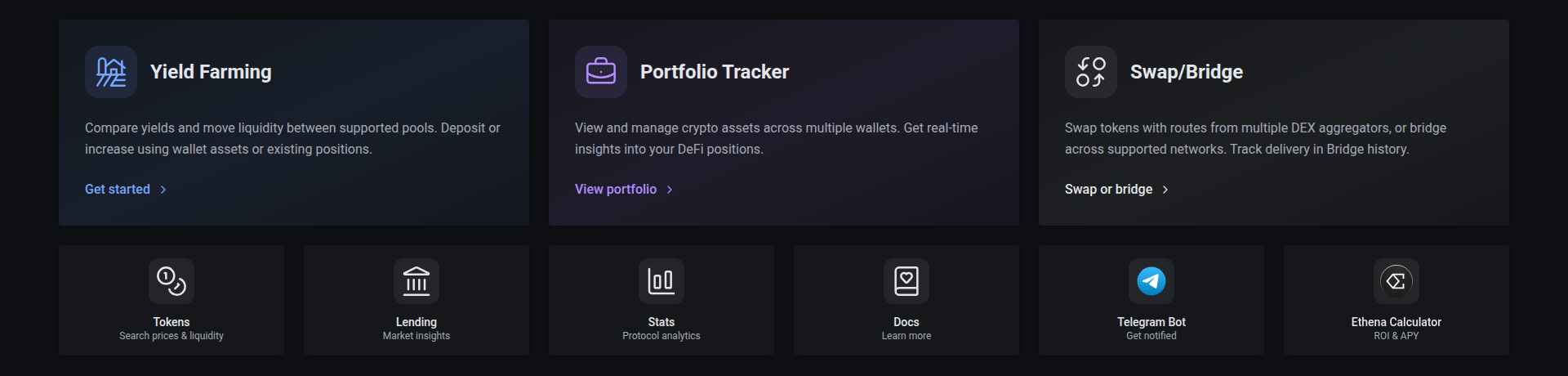
The homepage appears before its live stats and integrations finish loading. These update automatically; placeholders remain while data is unavailable. Home feature cards, quick links, MCP and integration tiles use the same borderless card style as dashboard KPIs and pool analytics, with page-background gaps separating their surfaces. Cards reveal progressively as they enter view, including on first load, with staggered, 0.8-second animations. Visible content stays steady when returning to a saved scroll position, and animations are disabled when your device requests reduced motion.
The homepage background has subtle rising lines with varied speeds, lengths and brightness. They pause when the hero is out of view or the tab is hidden, and stay still when your device requests reduced motion.
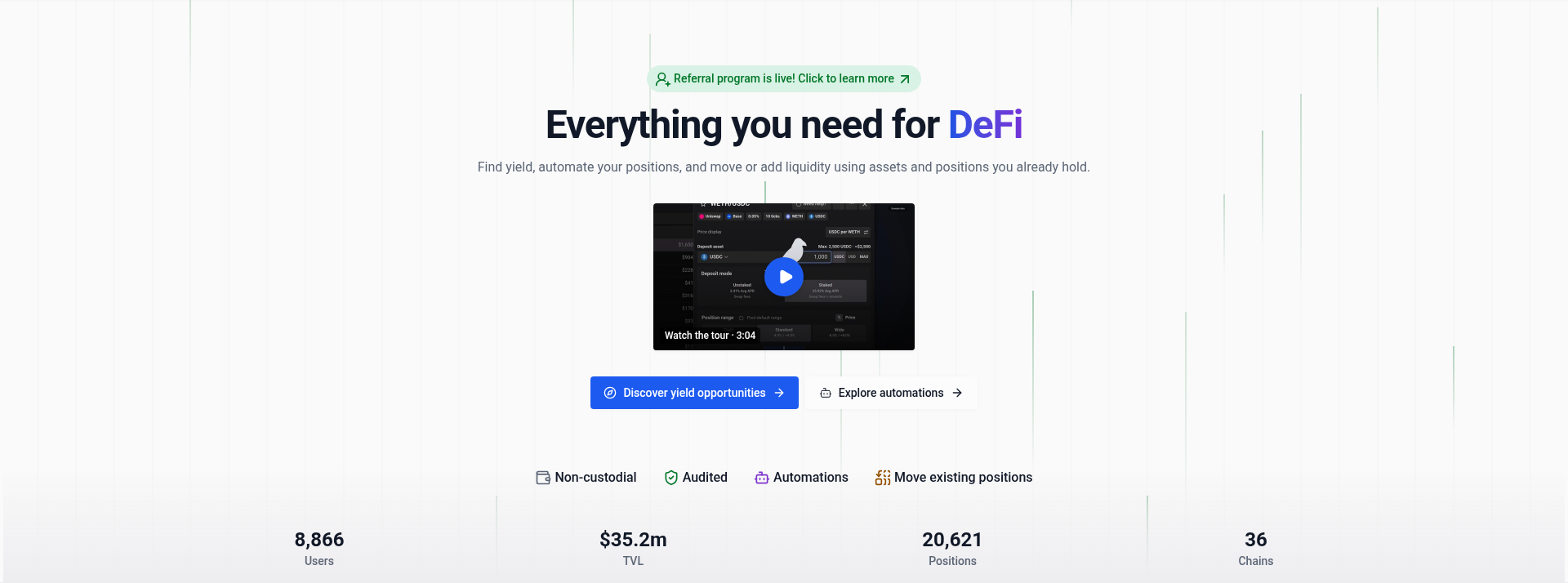
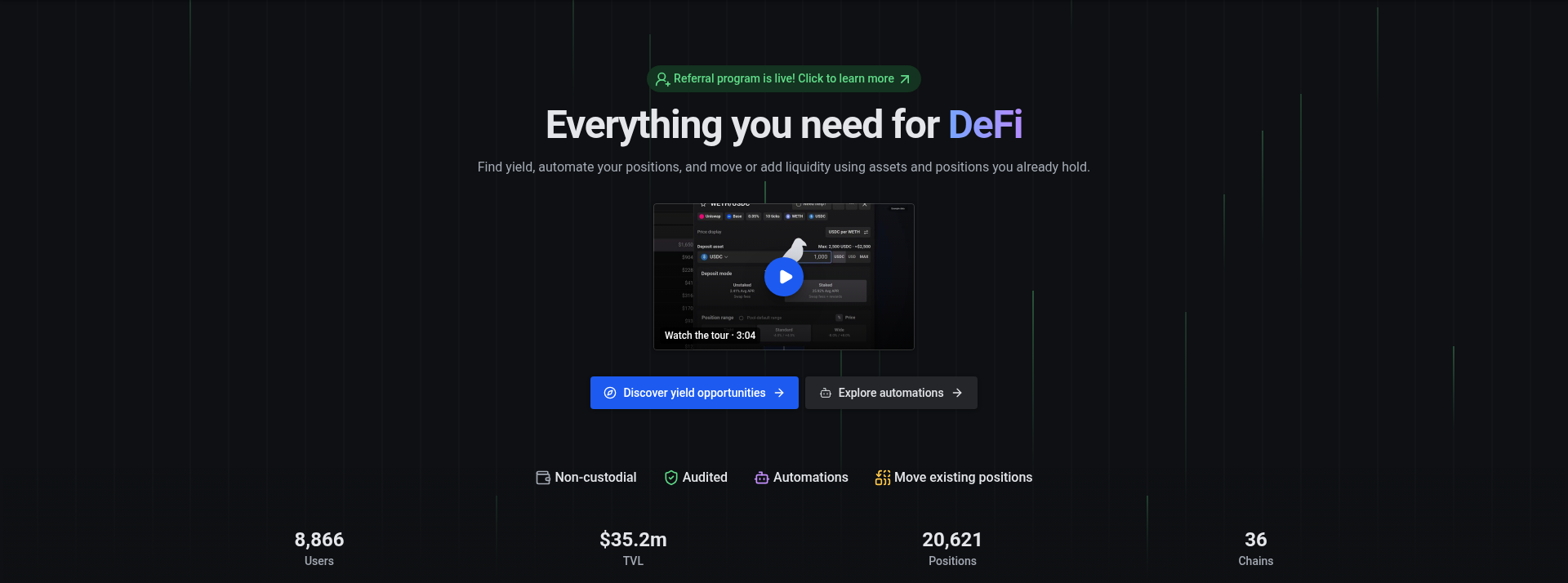
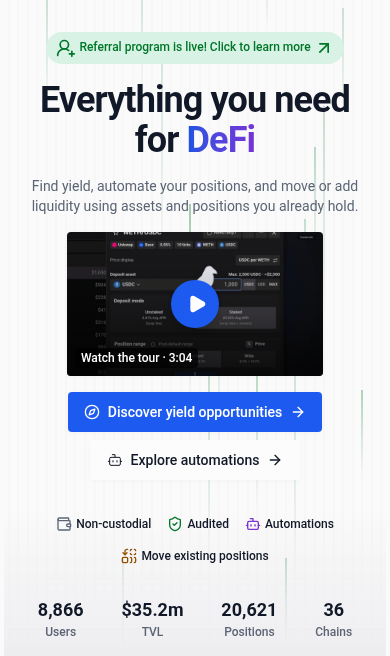
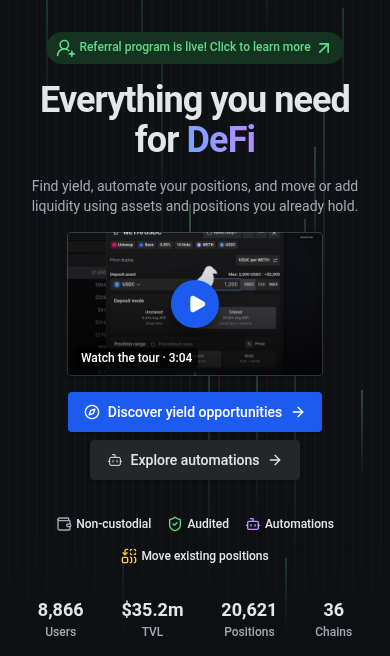
The homepage hero includes a Watch the tour thumbnail above its discovery and automation links. Select it to watch a short product tour covering deposits, automation and position management. The video loads only after you select it, with a portrait version for phones held upright and a widescreen version for other screens. Touch devices and narrow windows request fullscreen playback; if fullscreen is unavailable, the player still fills the window. Close the player to return to the thumbnail. Use this video for an overview, then follow the guides below for individual tasks at your own pace.
Getting started
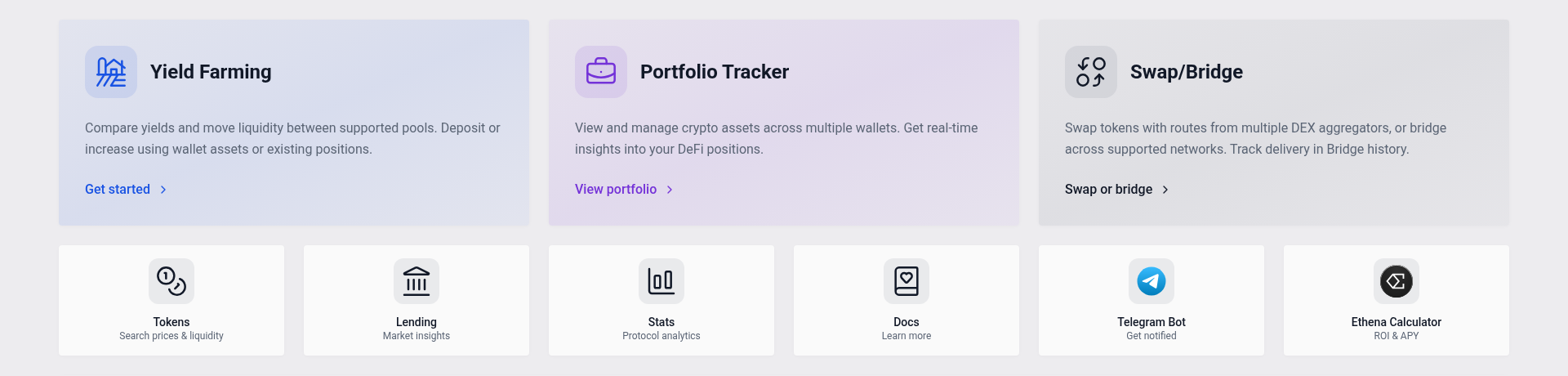
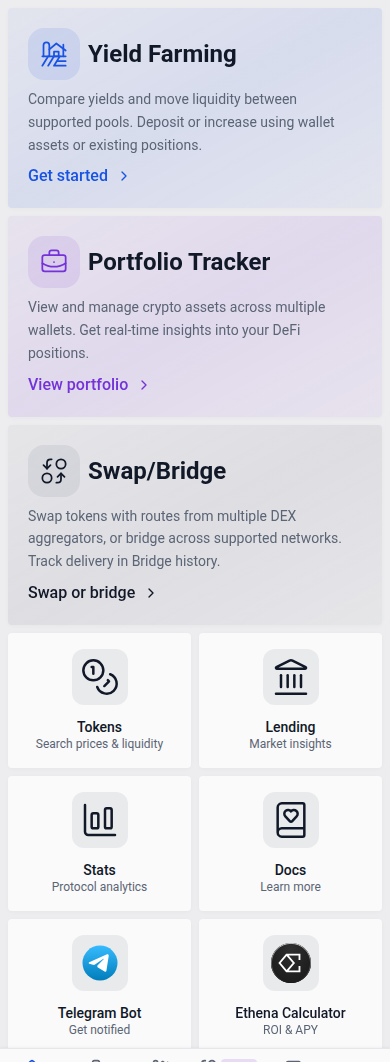
- Look up a wallet. Open Portfolio and click Add wallet to enter an address or ENS name. You can view positions without connecting a wallet. If you’ve already connected one in the header, choose Add connected wallet.
- Find a position. Browse Yield to compare yield opportunities. Filter by chain, protocol or farm type to narrow your search.
- Manage your positions. Deposit, withdraw, compound, harvest and rebalance through vfat.io. Set up Automation for actions you want to run automatically.
Positions you open through vfat.io are held by Sickle, a smart contract wallet deployed to your address the first time you deposit. You always retain full custody.
Navigation
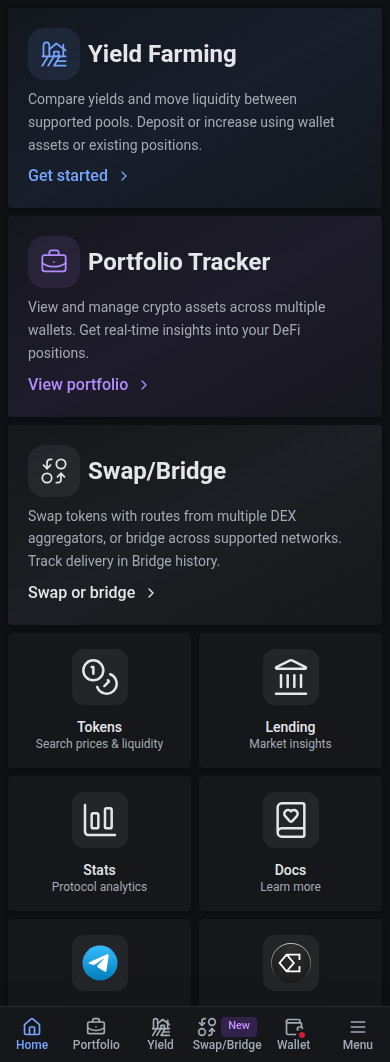
On phones, Menu opens the secondary pages and settings. It stays highlighted while you browse pages such as Protocols, Tokens or Support; Yield stays highlighted for both Yield and Deposits.
The light theme uses white cards on a warm pale background; dark mode uses cool slate surfaces and light gray text. Blue identifies primary actions, and purple provides secondary accents and highlights rewards and points. Primary actions, automation settings and Connect wallet keep a solid blue fill. Transaction buttons retain strong colors for their action type. Selected filters, tabs and options use soft light blue highlights in light mode and brighter neutral grey highlights in dark mode, with readable neutral text. Tags, status badges and supporting buttons use softer tinted or neutral backgrounds. Positive values, negative values and warnings use saturated green, red and amber. Range bars and range charts use one green and one red of matching strength, so in-range and out-of-range positions stand out equally. These labels use brighter shades in dark mode and darker shades in light mode to remain readable on their backgrounds.
Support tickets
Open Support Tickets from the navigation to follow tickets for your connected wallet. The icon shows your active ticket count. A red dot means the latest reply on at least one open ticket is from staff. It clears once you reply or close those tickets; viewing a ticket alone does not clear it.
Where to go next
- Track your wallets: Portfolio covers multiple wallets, balances and shortcuts such as
vfat.io/vitalik.eth. - Trade and explore: Swap/Bridge compares routes across DEX aggregators and bridges tokens across supported networks. Browse lending markets, protocols and platform stats.
- Understand the costs: Read Fees before depositing or enabling automation.
- See how it works: Learn about Sickle and review the Audits.