Pool deposits
Pool-only deposits are available in Yield, alongside options with extra incentives. Each pool appears once, with its available deposit modes in the same action pane. Existing /pools links redirect to Yield and retain their query filters and fragment.
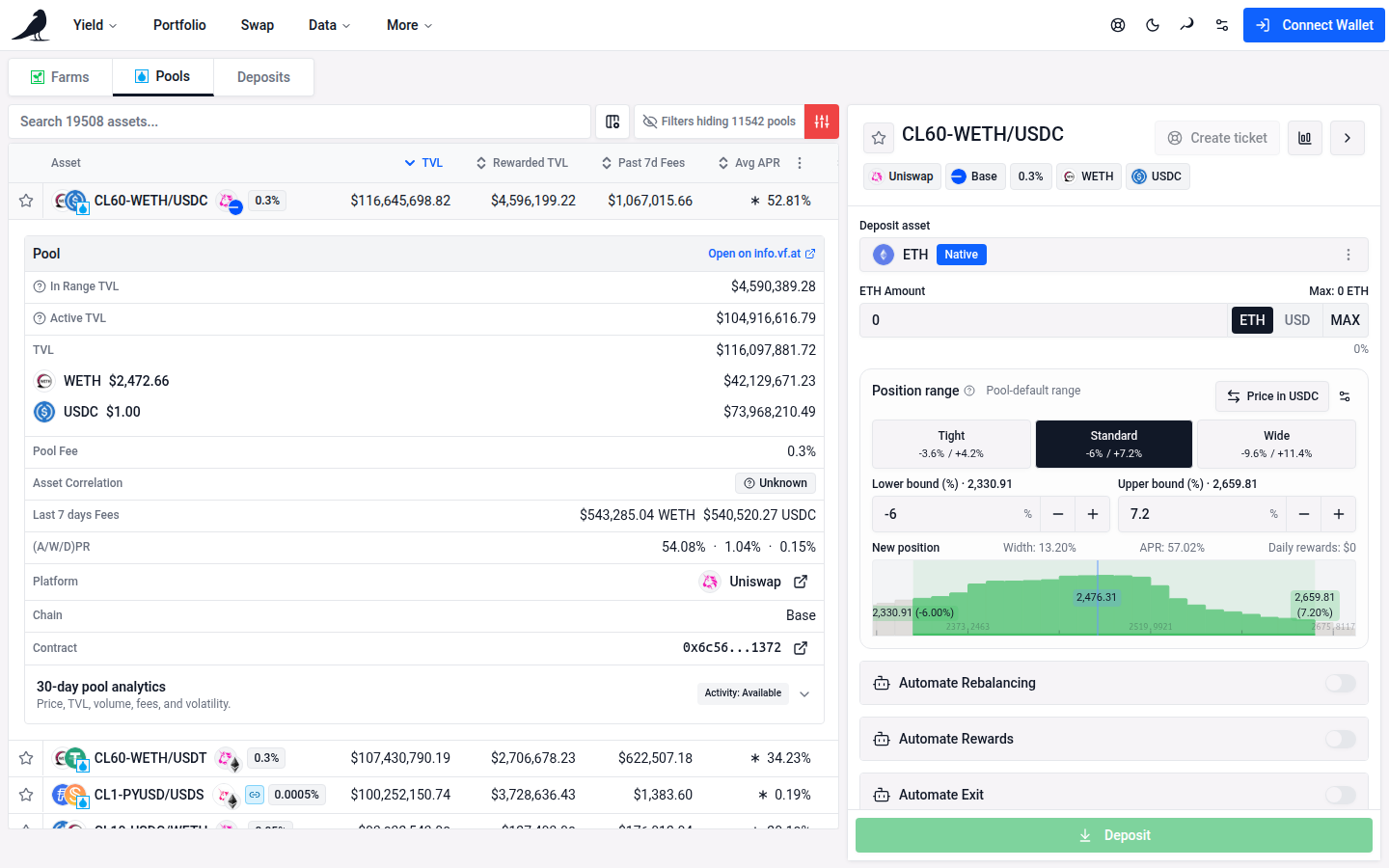
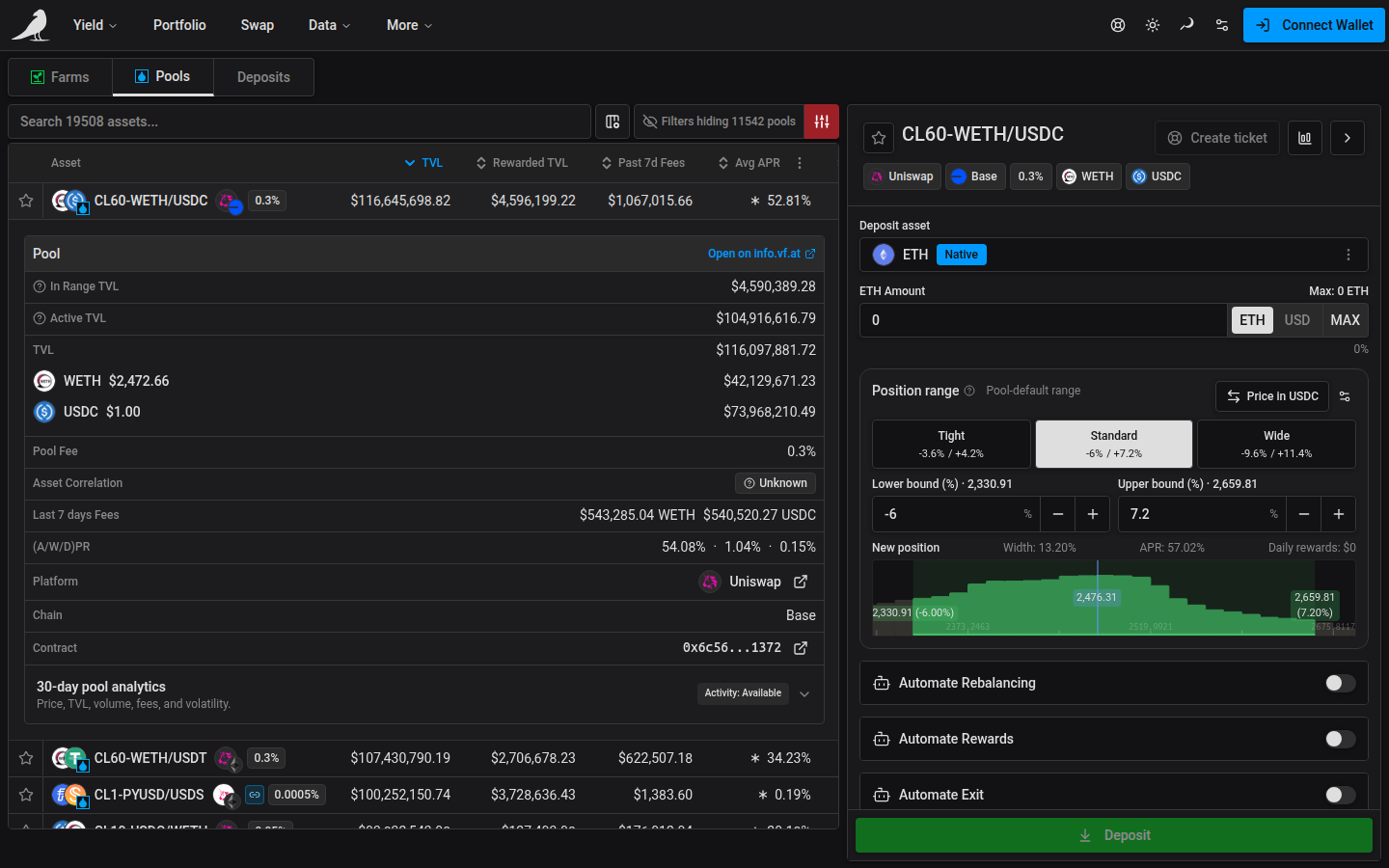
Choose Filters → Safety & listing → Listing → Whitelisted only to hide non-whitelisted pools. This selection is included in shared links and saved filter presets. Turning it off follows Show non-whitelisted assets in App Settings; it does not change that global preference. Reset removes the page’s whitelist restriction.
Search supports the same token symbols, pairs, concentrated-liquidity labels, addresses and pool IDs as Yield. Very long token metadata is shortened, and matches found only in the hidden portion are excluded. When matching pools exist outside your active filters, Reset in Filters or beside the result count restores the default limits. To remove a default limit too, use the × on its filter row.
Select a pool, then choose Unstaked under Deposit mode to provide liquidity without staking. Choose Staked to stake through an available farm. UltraSolid offers both modes for the same pool, including direct deposits through VFAT. Pools with a single mode need no extra selection. Quick Deposit offers the same choice; connecting your wallet, choosing tokens, setting a range, and submitting follow the existing flow.
TVL, APR and Earnings follow the selected mode. Hover over the combined income, or tap it on a phone, for swap fees and token rewards with estimates labeled. Use Customize columns to enable Volume for pool trading activity or the optional Rewarded TVL and Active TVL columns. The 1d / 7d / 30d period applies to income and volume. Unavailable volume displays as an empty cell; see Yield for how missing fee history is estimated.
Saved favorites from both old views remain available as pool favorites, and saved Pools filter presets are carried over to Yield. Existing positions stay in Deposits; choosing a different mode does not move or change them.
Enable Fee Tier in Customize columns to compare pool swap-fee percentages. It is hidden by default. Click its header to sort across all matching pools; variable and unavailable fees sort last in either direction. Variable fees show as Variable, with directional rates on hover when available, and unavailable fees display as —.
See Yield for filtering, deposit modes, Quick Deposit, and the full action pane.
For supported Curve pools, Unstaked holds the LP while Staked · Curve selects a supported direct gauge. A Stake DAO vault remains a separate option. See Curve for ordered multi-coin forms and receipt recovery.