Sickle
Sickle is a smart contract wallet deployed for each vfat.io user on each chain they use, to manage their positions, conceptually similar to a DSProxy. It’s deployed by a SickleFactory contract the first time you open a position on a given chain, and you always retain full custody of it.
Sickle exposes a gated Multicall function that batches actions together (swapping, adding liquidity, staking, and so on) into a single transaction. This function can only be called by strategy contracts registered in a SickleRegistry, and can only target contracts also registered there.
Strategies are the “recipes” that Multicall executes. Manual position actions operate on the caller’s own Sickle. Separate automation entry points allow an approved automation contract to act within the permissions and position settings you’ve enabled.
The current strategy contracts include:
- FarmStrategy: deposits, withdrawals, harvesting, compounding and combined actions for fungible LP positions, including simpler paths without swaps
- NftFarmStrategy: deposits, withdrawals, harvesting, compounding and rebalancing for concentrated liquidity (NFT) positions
- SweepStrategy: recovers tokens accidentally left in or sent to your Sickle
Available strategies and deployment addresses differ by chain and contract version. Use the Sickle address shown in the app to inspect it on the chain’s block explorer. Audit reports identify the code and scope reviewed at that time; they are not a current deployment-address directory.
Sickle’s contracts have been audited multiple times, see Audits for the full history. Smart contracts carry risk regardless of audits.
Managing your Sickles
The Sickle button in the header opens a dialog listing every Sickle you’ve deployed, one per chain, each showing its address and an Automation on/off switch.
On mobile, choose Menu → Sickles to open the same settings inside the navigation drawer. Back returns to the menu so you can switch to App settings without closing the drawer.
Each account uses a borderless card. The expanded account has a soft highlight, and its settings use separate surfaces with consistent spacing.
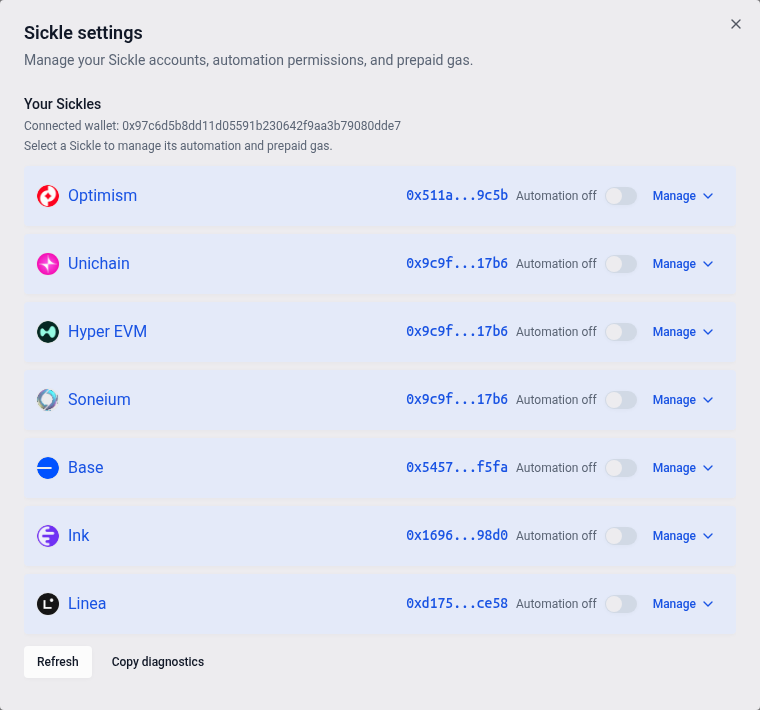
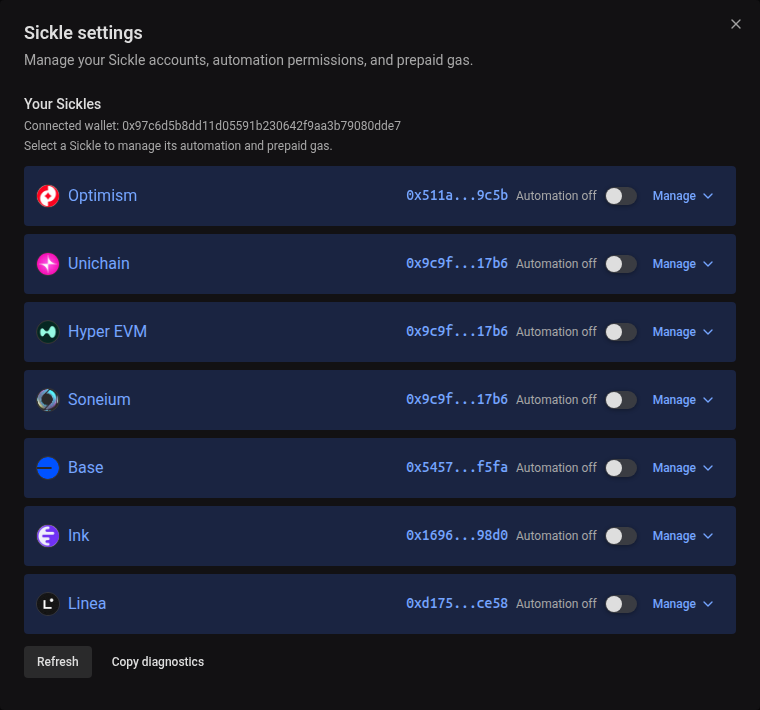
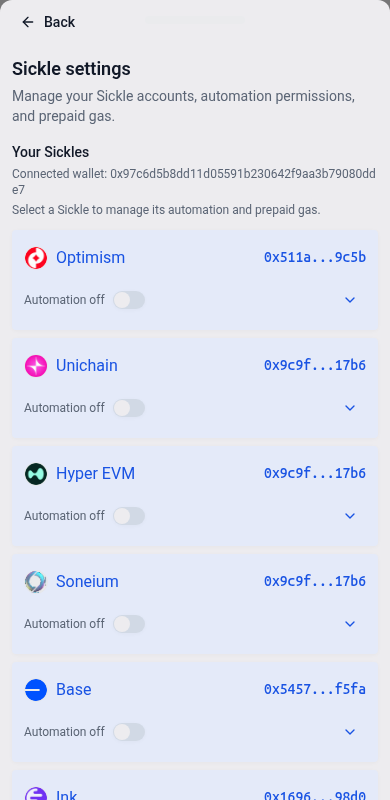
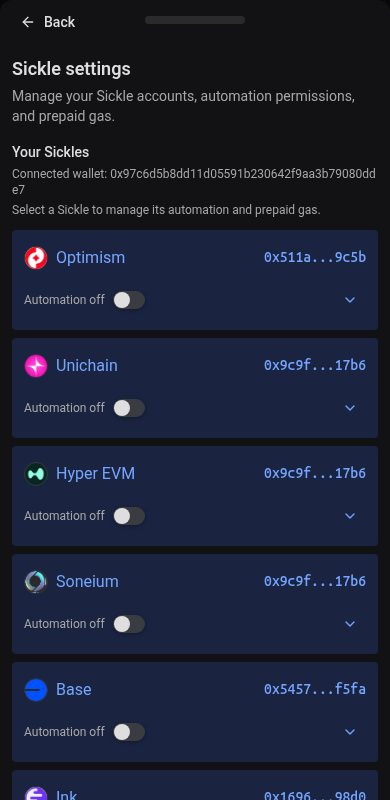
Expand a chain’s row to manage it further:
- Automation permissions: approvals for individual automation actions, where the chain requires them
- Prepaid automation gas: an optional balance in the chain’s native token, displayed with a rounded token amount and an approximate fiat equivalent when a price is available. Hover over the token amount for full precision. Automation first checks whether its fee revenue can cover gas; eligible Sickles can use this balance as a fallback when it cannot. It doesn’t debit your connected wallet’s native-token balance for each automated run. Strategy fees still apply. The per-operation cap input shows its approximate fiat value beside the native-token amount; the saved cap remains in native-token units. Set a per-operation cap or use the balance as the spending limit, and configure a minimum interval between prepaid harvest/compound charges. You can top up or withdraw unused funds. Emptying the balance prevents prepaid charges but leaves its configuration enabled; actions that can fund themselves through fees may still run. Availability depends on the Sickle and chain’s contract configuration.
Topping up adds funds but does not enable automation to use them. Choose Pay gas from prepaid balance and complete the wallet confirmations to enable prepaid automation gas. If the settings say prepaid gas is off but its auto-rebalance permission remains, choose Remove remaining permission and complete those confirmations first. You can then choose Pay gas from prepaid balance to enable it.
Legacy automation will stop soon. A banner at the top of the app warns connected wallets with active legacy automation. Choose Upgrade at the right of the banner to queue all required network upgrades, then complete the wallet confirmations and network switches as prompted. Each upgrade covers all positions in that Sickle on that network and keeps your existing automation settings. You can also upgrade a single network using Upgrade in its row here.
When prepaid gas settings ask you to enable or upgrade automation, use the controls above that section before enabling prepaid automation gas. You can still top up, withdraw funds, or turn off prepaid gas while this warning is shown.


Use Refresh if a Sickle doesn’t show up, or Copy diagnostics to get a block of debug info to share with Support.