Stats View
Stats shows platform-wide numbers: total value locked, the number of chains covered, total farm and pool counts, total users, total open positions and the average position size, with quick links into Yield.
If a request fails before its summary loads, unavailable numbers show — instead of zero. Previously loaded numbers remain visible if a refresh fails. The error message offers Retry on both the platform-wide and chain-specific views.
When some chain data cannot be refreshed, the available totals stay visible with Stats may be outdated or incomplete. Failed chains can retain older numbers or have no numbers yet. The notice appears on the platform-wide and chain-specific stats views, and clears after a fully refreshed summary arrives. It describes the overall summary; it does not identify which chain failed. Home shows the summary figures without this notice; select a figure to open Stats.
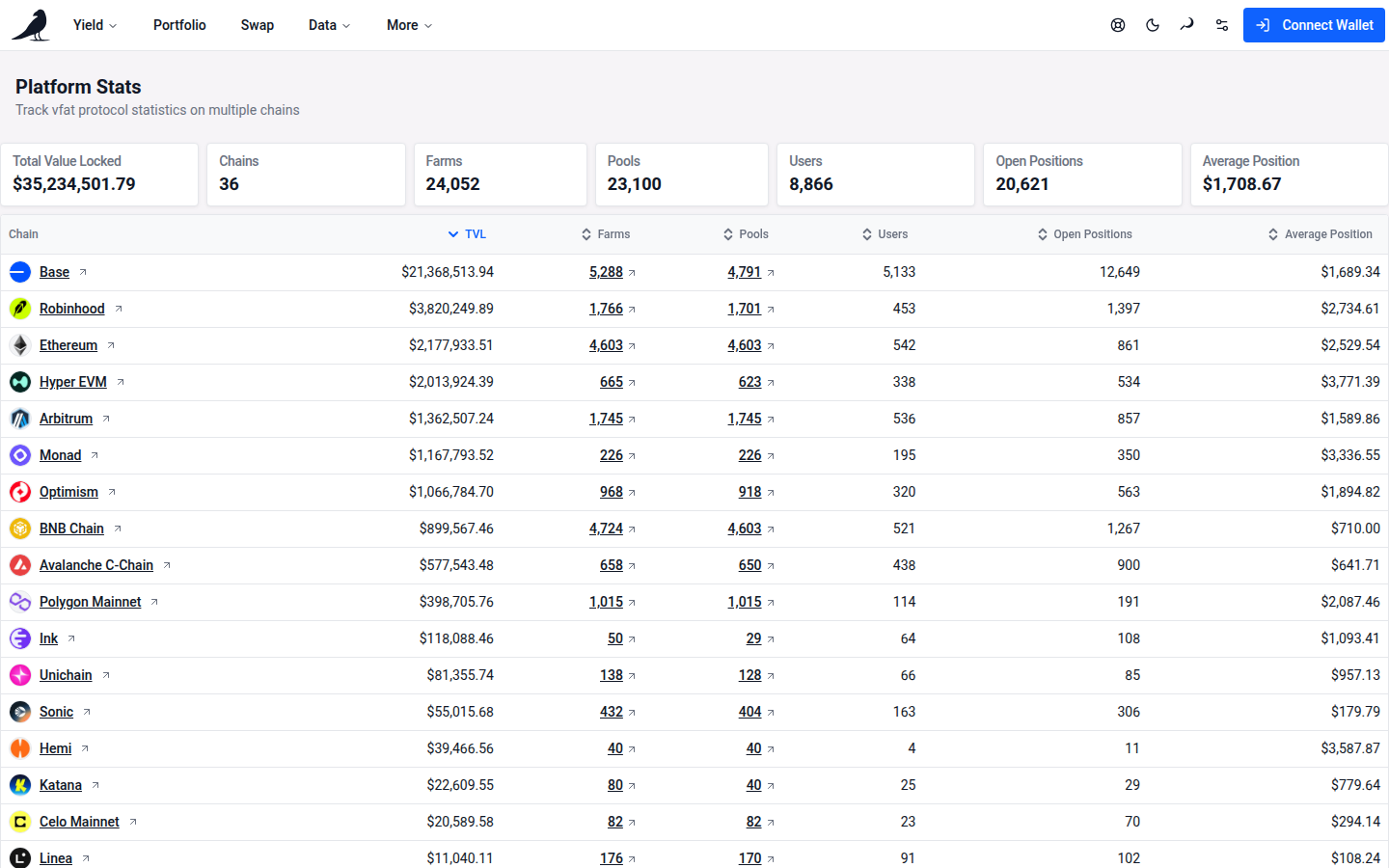
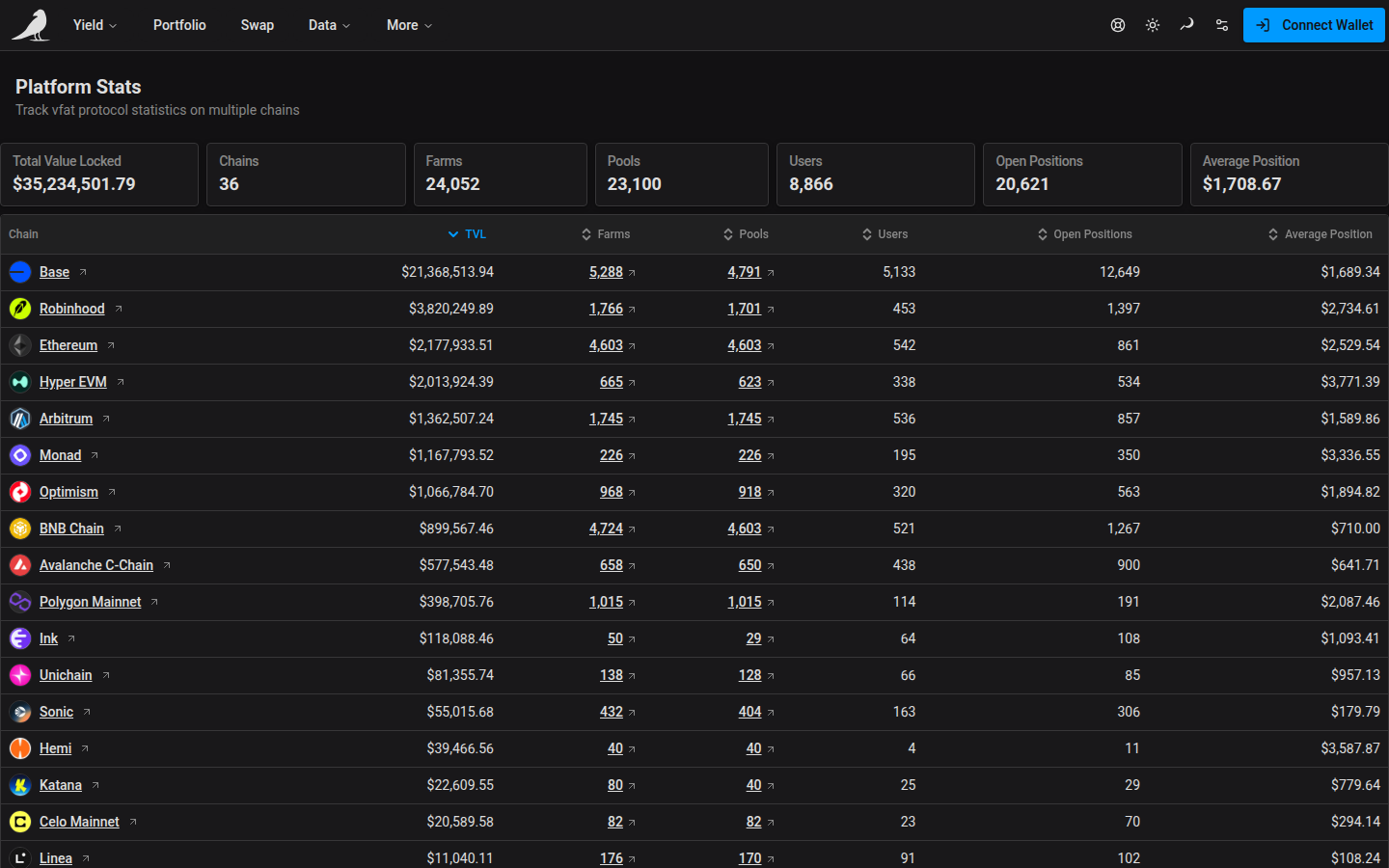
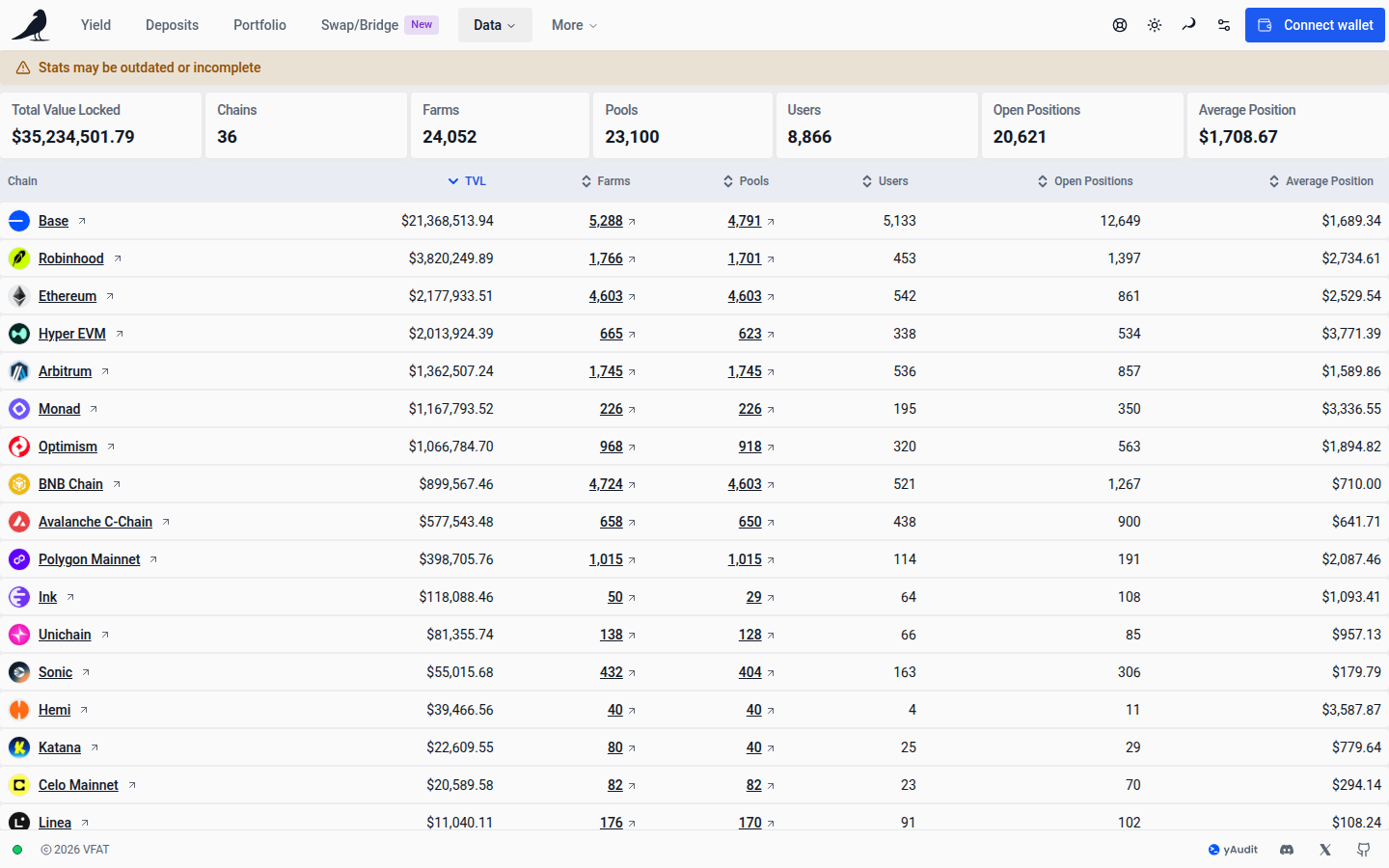
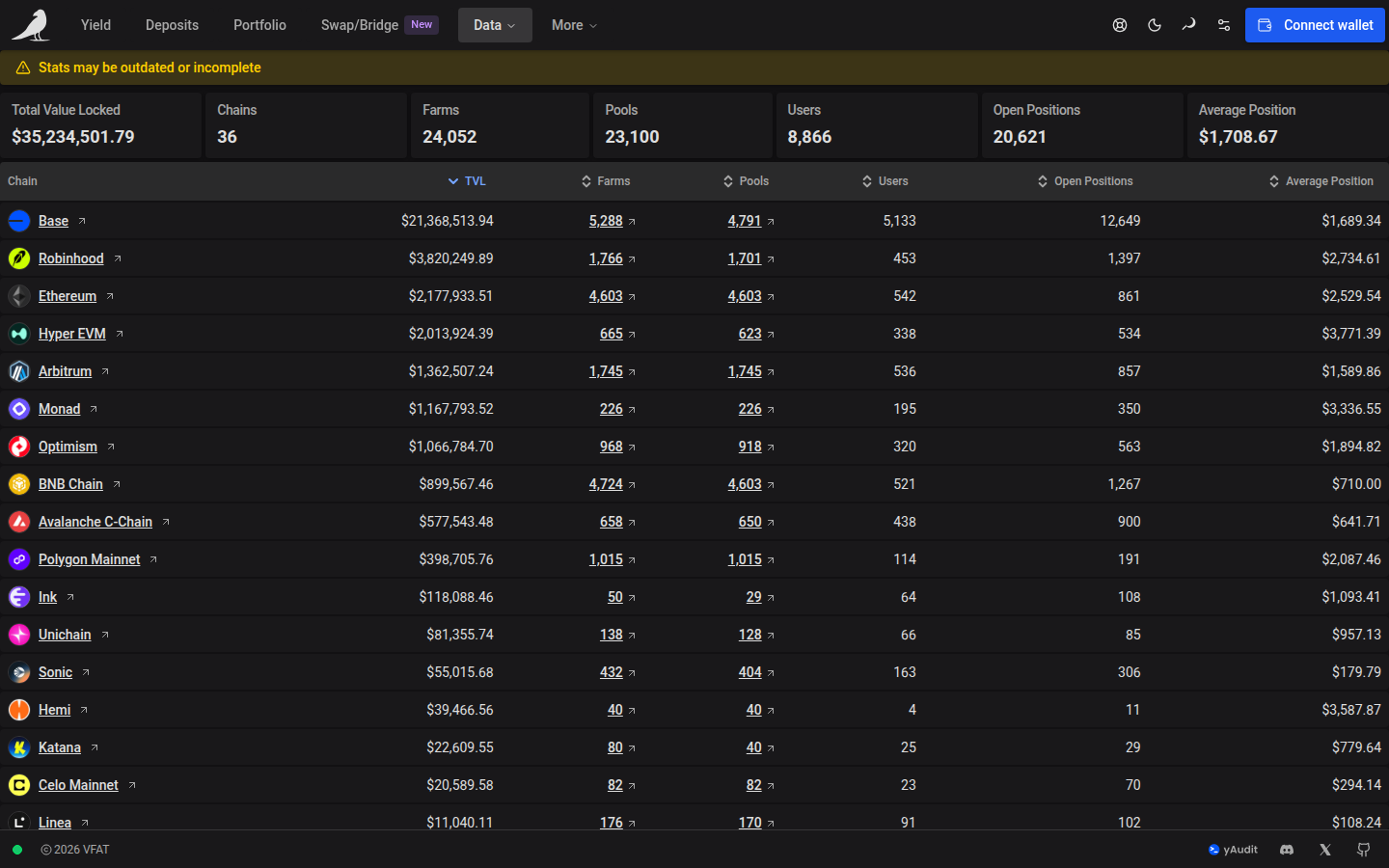
Below the summary is a per-chain breakdown table. Selecting a chain (or visiting vfat.io/stats?chainId=<id>) drills into that chain’s own stats view. Search its positions by token symbol or the displayed pair label, including a prefix such as CL100. Matches are partial and ignore case; pair searches follow the order shown in the table. Open Search help for examples, or choose a protocol in Filters.
Use Stats for a platform-level view of scale; use Protocols when you want the same kind of breakdown but organized by protocol instead of by chain.