Tokens View
Tokens is a searchable directory of every token vfat.io tracks across supported chains, with live onchain price and liquidity data. Search by symbol or full contract address, and sort the table by liquidity (the default, descending). Symbol matches are partial and ignore case; addresses match exactly. Open Search help beside the field for examples, and use Filters to narrow by chain.
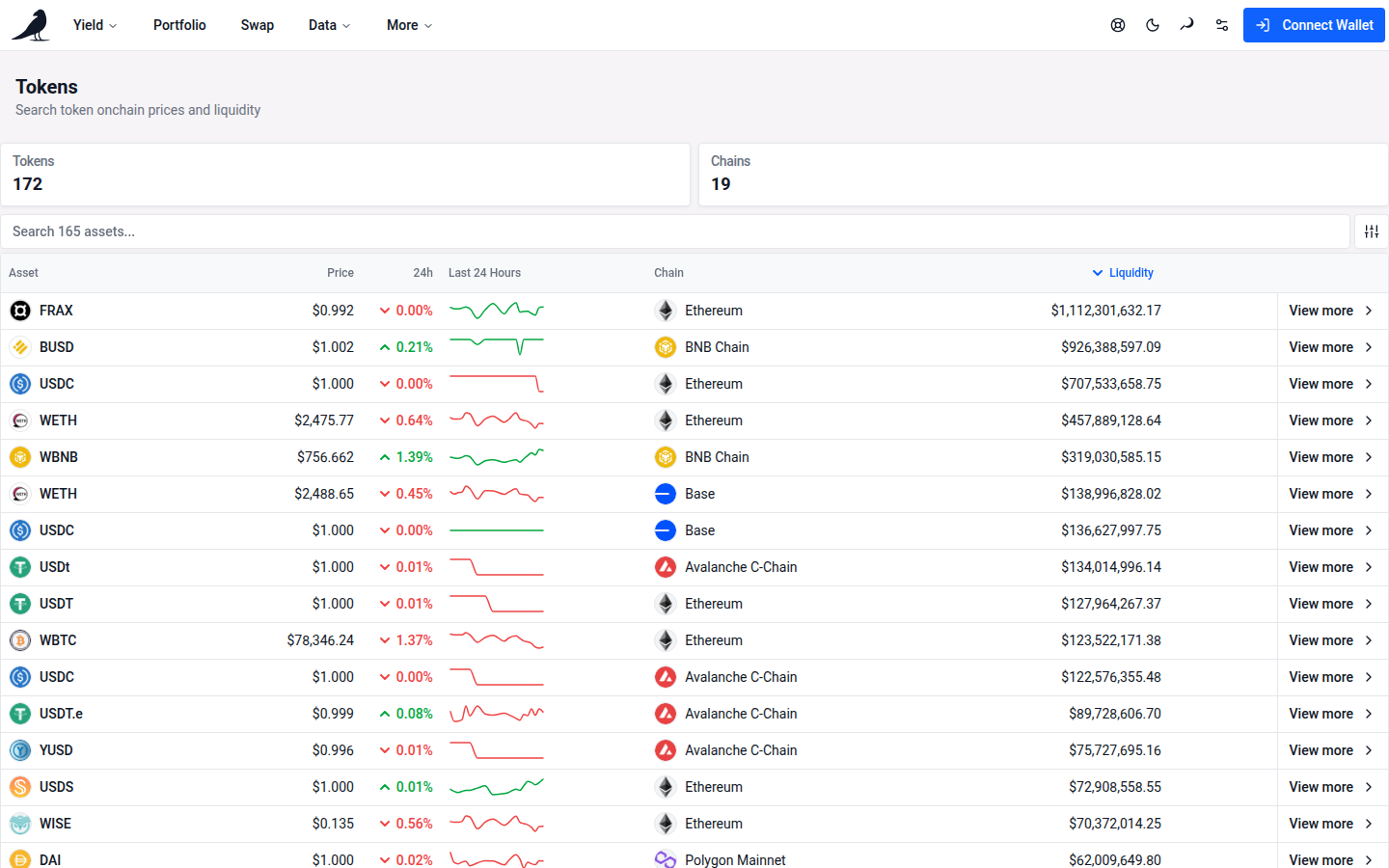
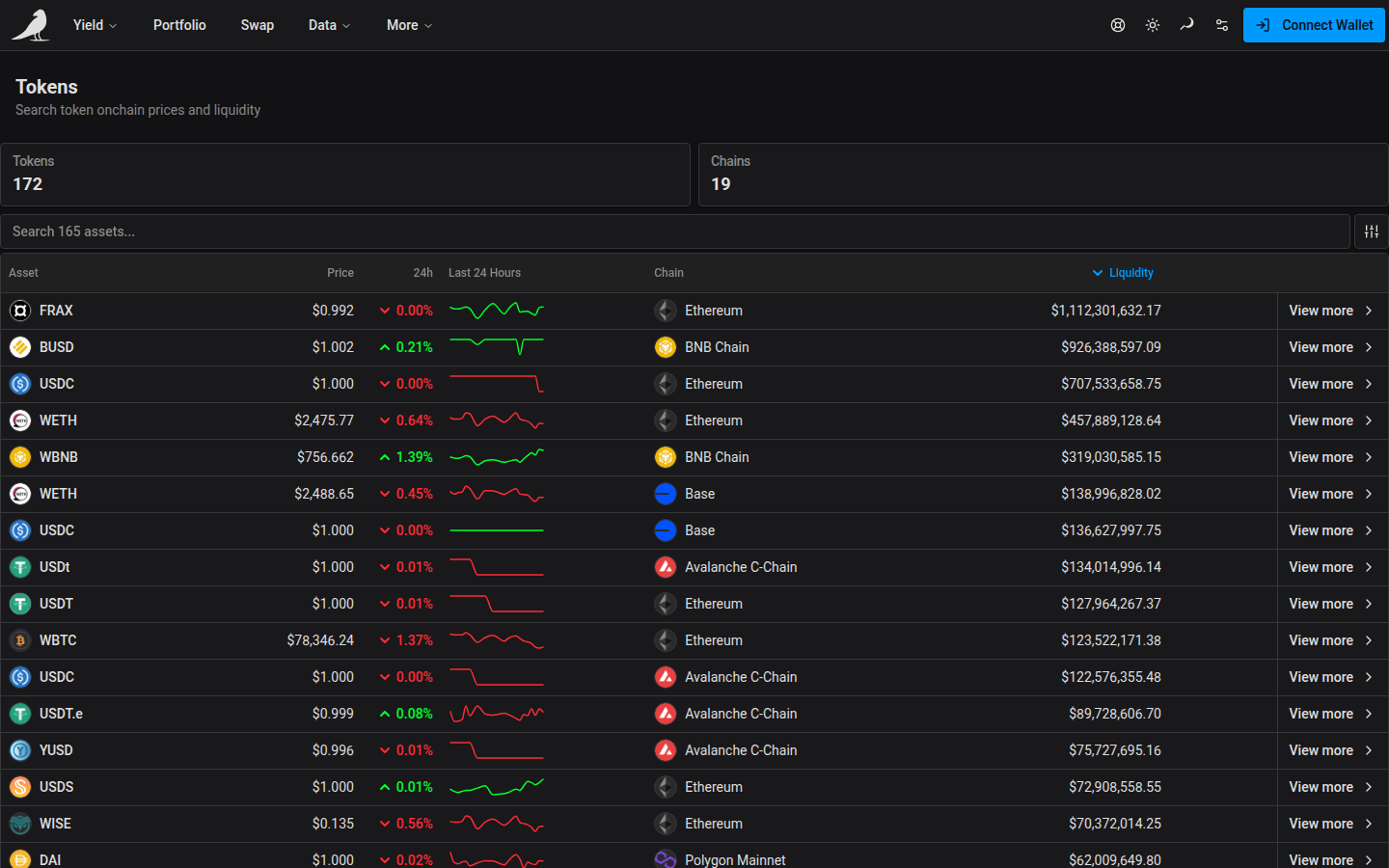
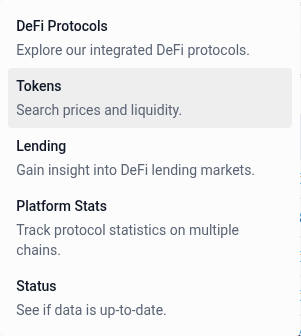
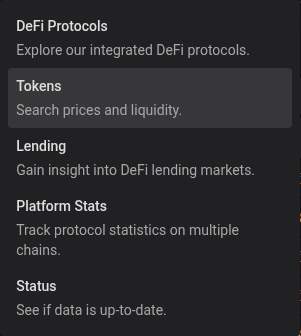
On desktop, open Tokens from the Data menu in the header.
Token detail
Selecting a token (or visiting vfat.io/token?chainId=<id>&tokenAddress=<address> directly, e.g. vfat.io/token?chainId=1&tokenAddress=0xa0b86991c6218b36c1d19d4a2e9eb0ce3606eb48 for Mainnet USDC) opens its detail page: contract metadata and address, and a sortable, paginated table of every liquidity pool that token trades in.
This is the same page linked from a token’s price on the Portfolio view.
Both Token Price and Paired Token Price retain small unit prices with subscript zeros, such as $0.0₄213. The below-one-cent label applies to balances and liquidity, rather than unit prices.
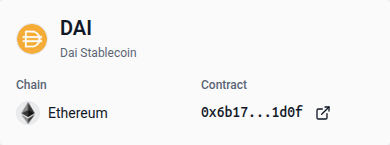
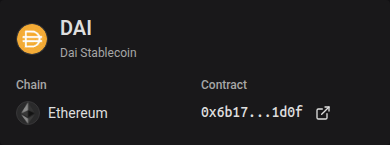
The overview card groups the token’s logo, symbol and name, with separate Chain and Contract fields. On smaller screens, these details sit below the token identity. Select the contract address to copy it, or the external-link icon to open its explorer page. The price, supply, liquidity and decimals appear in the cards below.