Automation
Sickle can harvest, compound, rebalance or exit positions on your behalf. Choose the actions that fit your position, then configure when they should run.
Choose an automation
Auto-harvest
Claim earnings and optionally convert them to a different token.
Auto-compound
Reinvest earnings using an estimated reward threshold and transaction costs.
Auto-rebalance
Move a concentrated liquidity position to a new range when its configured price and delay conditions are met.
Auto-exit
Exit a position when it crosses a price you set. The trigger price is not a guaranteed execution price.
Status and settings
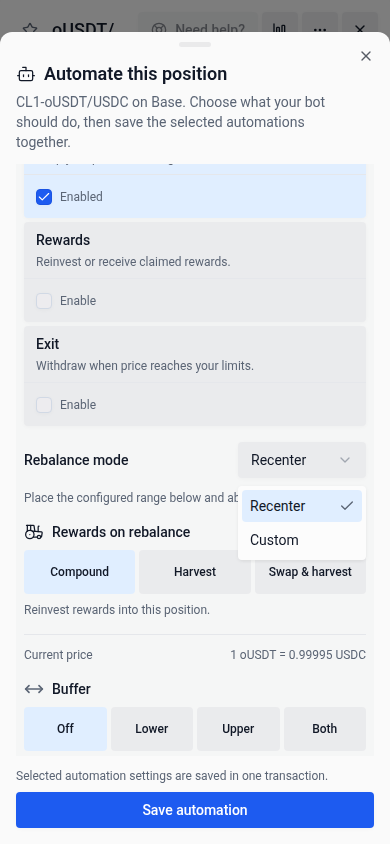
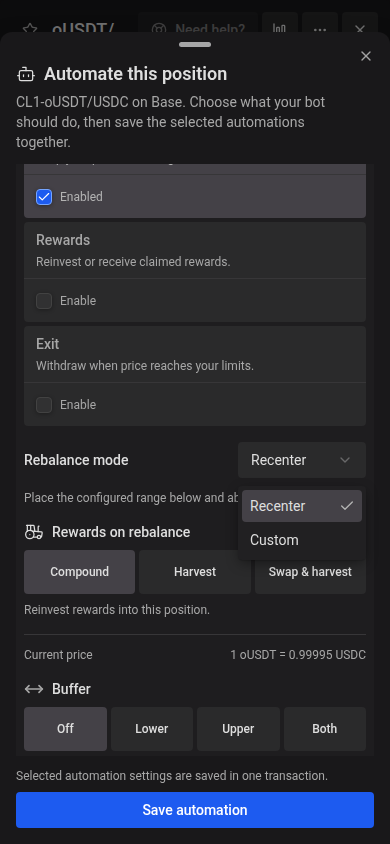
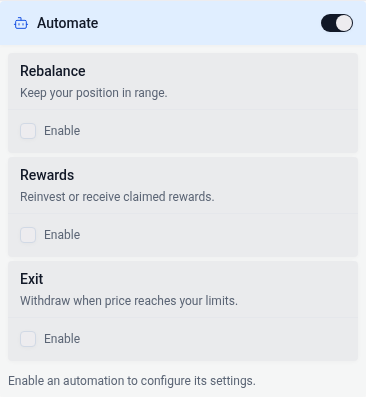
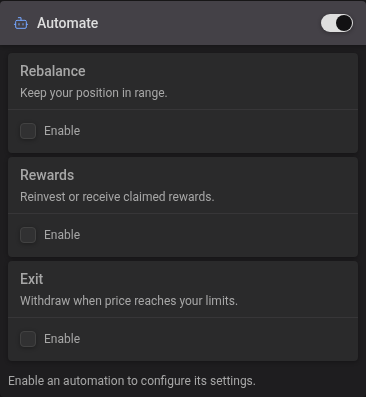
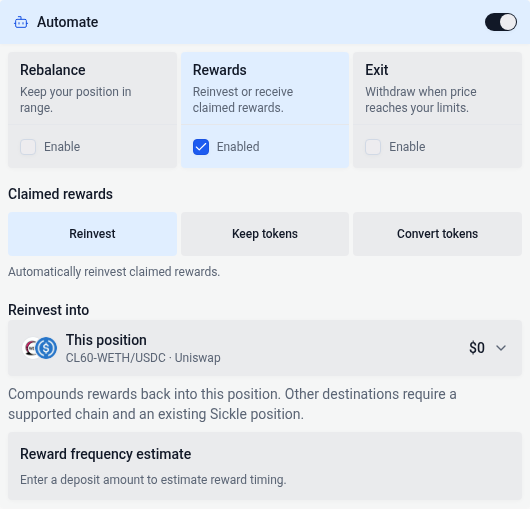
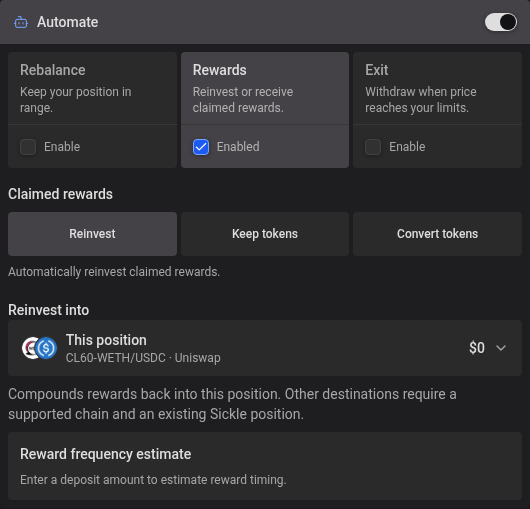
On Deposits, a small sleepy bot marks supported Sickle positions with no automation configured. Select it to open Automate this position, where you can review every available automation type for that position. Each Rebalance, Rewards, or Exit card explains its purpose. Use its Enable checkbox to turn that automation on. Select the card’s title or description to review its settings; this never changes whether it is enabled. Only the card’s checkbox enables or disables it. The selected card has a soft highlight, and its settings appear directly below. Disabled cards cannot open their settings. With no actions selected, the settings area disappears and the window fits the chooser and chart. Configure all the actions you want, then choose Save automation once to save the selected settings together in one transaction. Rewards combines the reward options in one menu: choose Compound to compound into this or another position, Keep tokens to send the original rewards to your wallet, or Convert tokens to receive one selected token. The app fills the corresponding automation settings automatically. Switching choices keeps your draft destination and token selection. Approval, a changed exit delay, or compounding into another position can require additional transactions. For concentrated-liquidity positions, the range chart appears above the tabs. Enable Rebalance or Exit, configure its limits, then drag their handles on the chart. The chart and fields update together. Your zoom and pan stay in place while you drag automation limits, including after pinching to zoom out on a phone. Limits from enabled tabs stay visible while you review other settings. If handles overlap, select the limit you want from the menu on the handle. These are previews until you choose Save automation. Switching tabs preserves your unsaved edits and scroll position until you close the window. On desktop, the window stays anchored near the top of the screen and grows downward as you select automations or expand settings. It only scrolls when the settings exceed the available height. Approving automation for the chain alone does not count as configuring a position. The hint waits for settings to load and disappears once any position automation is configured.
Warnings use a soft colored background, while informational notices use a neutral shaded surface. Both are borderless; read their headings, icons and messages for the action needed.
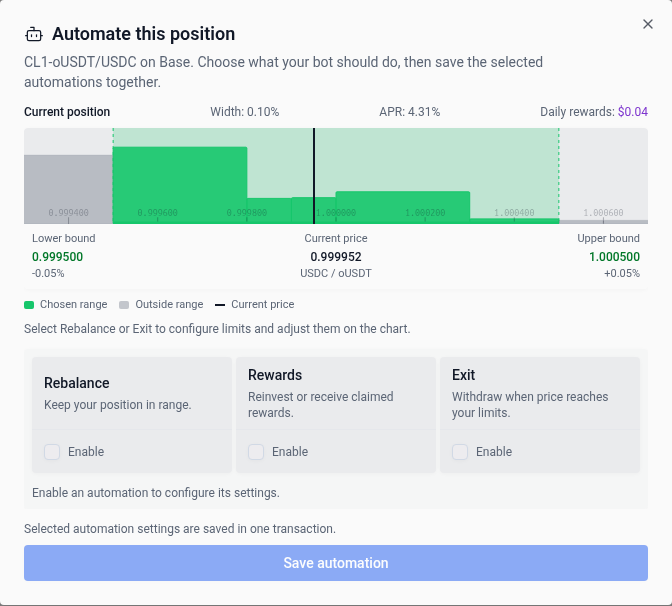
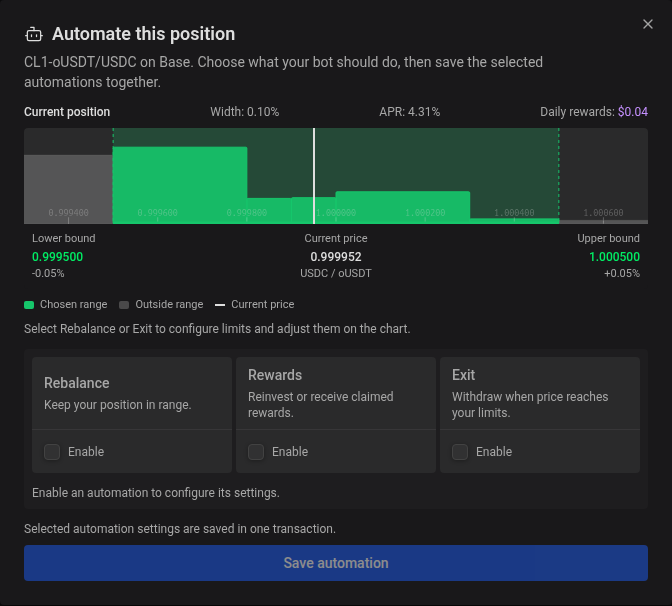
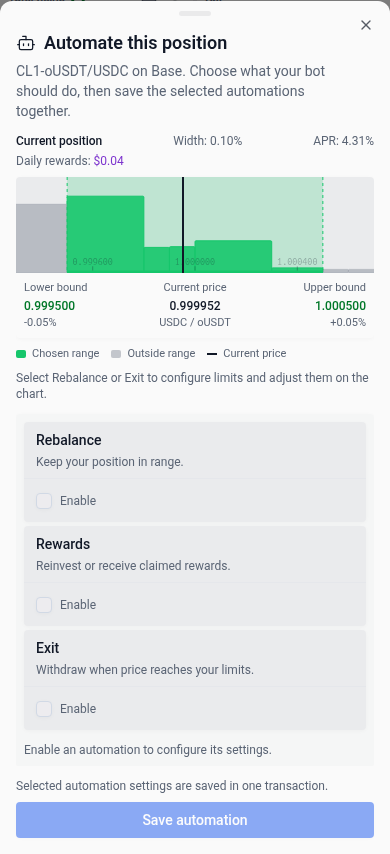
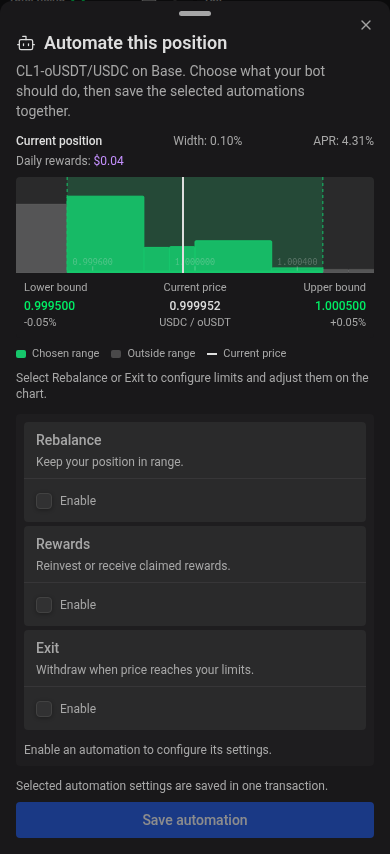
Open a position to see its saved range, configured limits, and all automation statuses above the action tabs. This overview stays in place across Increase, Rebalance, Withdraw, Compound, Harvest, and History. The compact table shows Enabled or Disabled for each automation, with approval, funding, or execution problems taking priority. Its Rewards column covers both reinvestment and harvest automation. Queue and retry details stay out of this overview. Tap or hover over a shortened status to read its full message.
Choose the primary blue bot button, Automation settings, in the overview to open all supported automation settings: a bottom drawer on mobile or a modal anchored near the top on desktop. You can review detailed diagnostics and enable, disable, or update the automation there. Changes still require the usual wallet confirmations. Close the modal to return to the action form with your inputs preserved.
Fee amounts use neutral tags across automation settings, matching the pool and transaction fee displays.
Enable automation
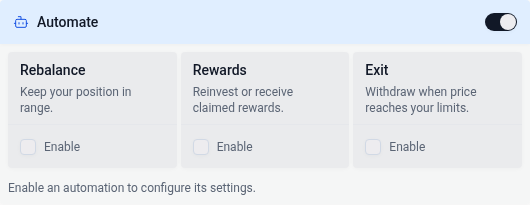
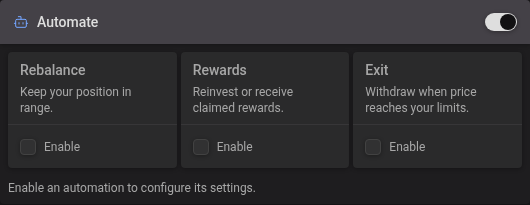
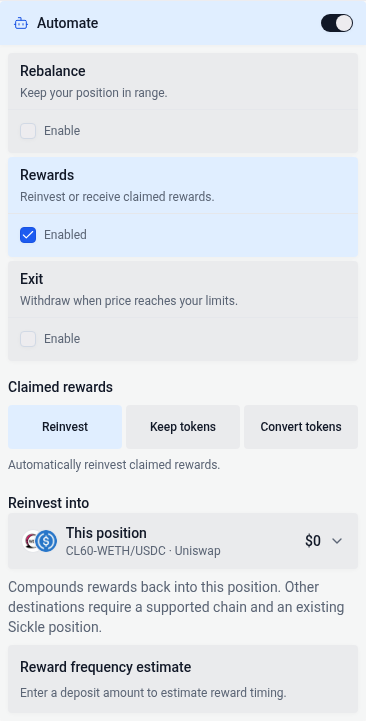
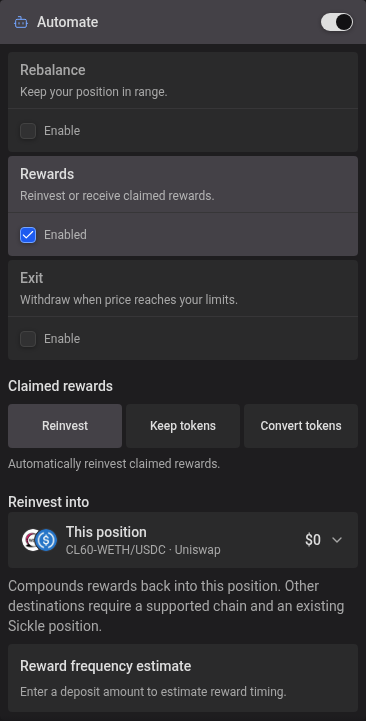
When opening a position, turn on Automate in the deposit form. The same compact chooser as the position automation window shows the actions supported by the pool. Use the Enable checkbox on Rebalance, Rewards, or Exit to enable it and open its settings. Select an enabled card’s title or description to switch settings without changing which automations are enabled. When none are enabled, the settings area stays hidden. Turning an action off hides its settings while keeping its draft for when you enable it again. In Rewards, choose Compound, Keep tokens, or Convert tokens. The app configures reward automation from your choice. Conversion requires a selected token. You can combine reward automation with Rebalance and Exit. Switching reward choices keeps your draft destination and token selection. Changing tabs keeps your drafts and does not enable an action. Turning Automate off pauses all selected actions and hides their chart handles; turning it back on restores your selections and drafts. Opening Automate does not enable an action you have not selected. These settings are applied with the deposit and any required wallet confirmations.
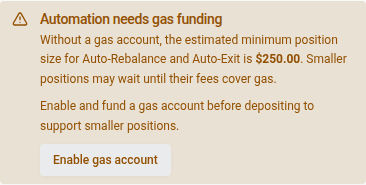
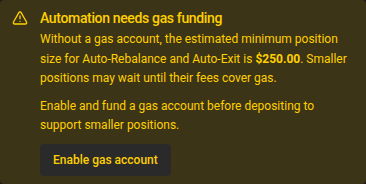
When automation is selected and no gas account is enabled, one warning appears above the deposit button. It names the enabled auto-rebalance and auto-exit actions and shows one estimated minimum position size; if both are selected, it uses the higher requirement so the position supports both. Reward automation has no fixed minimum position size: smaller positions take longer to earn enough for an execution. Rewards-only setups explain this without showing a separate reward-value minimum. Estimates are informational and do not block deposits. When an estimate cannot be loaded, the warning explains that fee-funded automation may need to wait.
Choose Enable gas account to open that chain’s Sickle settings without leaving your deposit form. Fund the balance and choose Pay gas from prepaid balance before depositing if you want prepaid automation gas to support smaller positions. Topping up alone does not enable automation to use the funds. Once prepaid gas is enabled, the warning disappears; turning off all automation also hides it. Existing positions keep their funding status and diagnostic messages above the action form.
- Enable it for the chain. This authorizes vfat.io’s Automation contract to call these functions on your Sickle on your behalf.
- Configure each position. Turn on the automation types you want to use. Each guide above explains its settings, conditions and fees.
Legacy automation will stop soon. If your connected wallet has active positions using it, a small banner appears at the top of the app. Choose Upgrade at its right edge to queue all required upgrades across your networks. Complete the wallet confirmations; the queue prompts you to switch networks when needed. Upgrading keeps your existing automation settings and applies to all positions in each Sickle. The banner disappears once none of your active automations use the legacy system. If you stop partway through, completed upgrades remain in place; choose Upgrade again to queue the remaining networks.
When fees cannot cover gas
Automation failure reasons come from the API’s reported status or last attempt. Position values and gas estimates do not determine a failure reason or override a queued or processing state. When prepaid gas is activated, position-size thresholds are omitted from the status and settings. Small positions can use prepaid gas without a fee-funded size minimum; reported balance or charge-limit failures remain visible.
If the API reports that an automation attempt’s fee could not cover gas, eligible Sickles show a prepaid gas button beside the status above the action form. The detailed status includes an explanation. Choose Enable prepaid gas to open that chain’s Sickle settings, then choose Pay gas from prepaid balance and complete the wallet confirmations if you want prepaid automation gas to fund these attempts. Topping up alone does not enable automation to use the funds, even if the balance is already positive. If prepaid gas is already enabled or its settings are still unknown, choose Review gas account to check them first.
If the settings say prepaid gas is off but its auto-rebalance permission remains, choose Remove remaining permission and complete the wallet confirmations. Then choose Pay gas from prepaid balance to enable prepaid gas.
If an attempt is blocked by a low prepaid balance, the status shows Gas account balance too low with a Top up gas account button. A per-operation charge limit that is too low gets a separate warning: adding funds alone does not increase that limit. These buttons open the affected chain’s prepaid gas settings above the automation settings; you review and confirm any changes there. Close Sickle settings to return to your open automation settings.
The failure reason stays visible while another check is scheduled. Queue and Next check show the retry timing separately. Compare Last attempt gas cost with Last attempt protocol fee to understand the previous attempt; Current gas estimate may have changed since then.
Small dollar amounts in automation status and threshold messages use subscript notation so a nonzero amount does not round to zero. For example, $0.0₂12 means $0.0012; the subscript counts the zeros before the first significant digit after the decimal point.
Status colors describe the outcome: green for success, amber for funding or settings blockers, red for execution errors, and neutral for ordinary waiting states. The same reason keeps its color across automation types and scheduled retries.
The automation icons on each position row also flag reported issues: amber for blockers and red for execution errors. Hover over or focus an icon to read the reason without opening the position’s settings. Ordinary waiting states, including rewards below threshold, keep the usual enabled icon. The issue color clears when a successful result replaces the failure.
Prepaid gas does not bypass your automation triggers, permissions or transaction limits, and funding it does not guarantee an immediate run. See Managing your Sickles for details.