Portfolio View
See token balances, LP and vault positions, and their current $ value across every supported chain. You can look up any wallet without connecting it. Summary totals appear above the wallet controls.
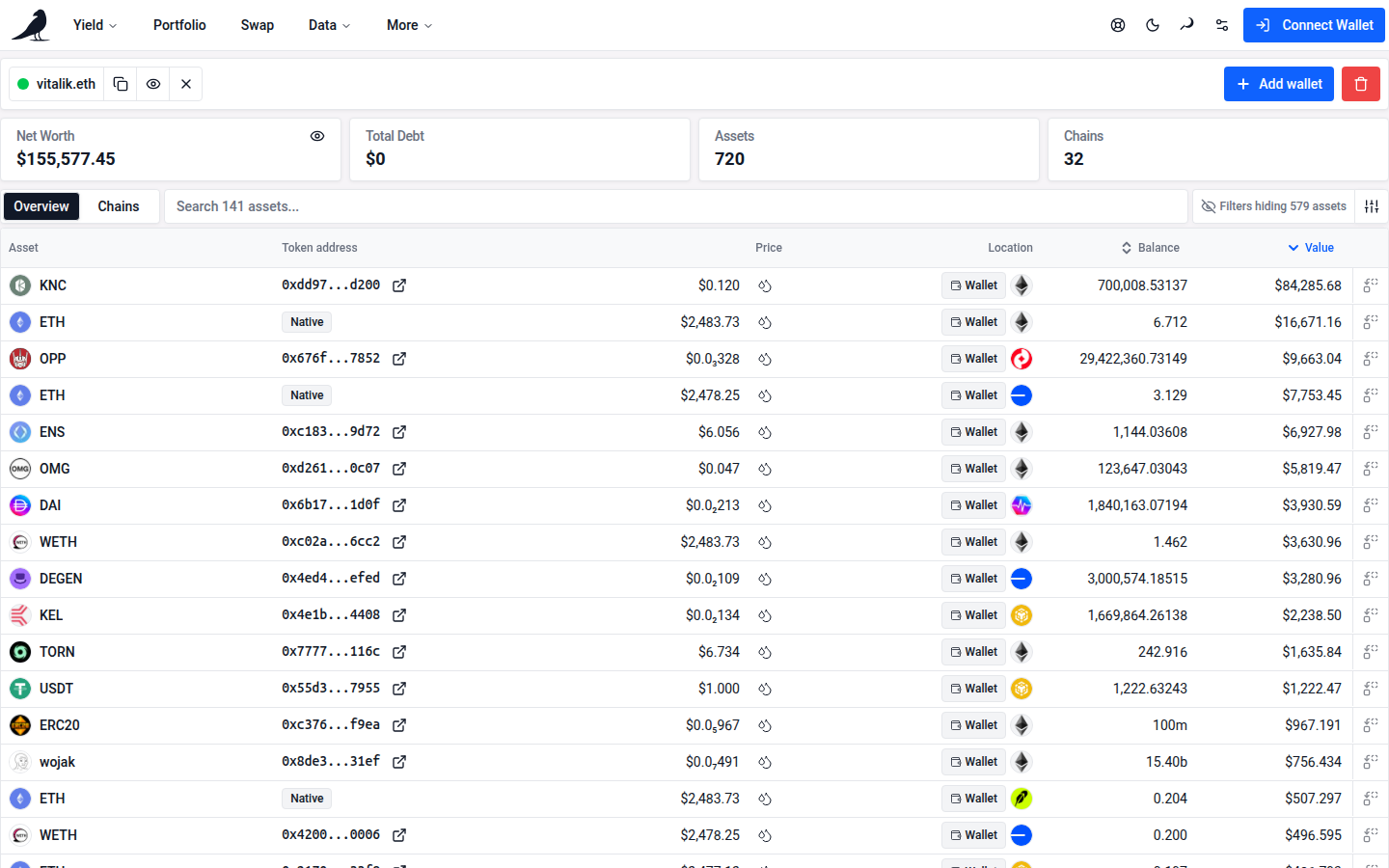
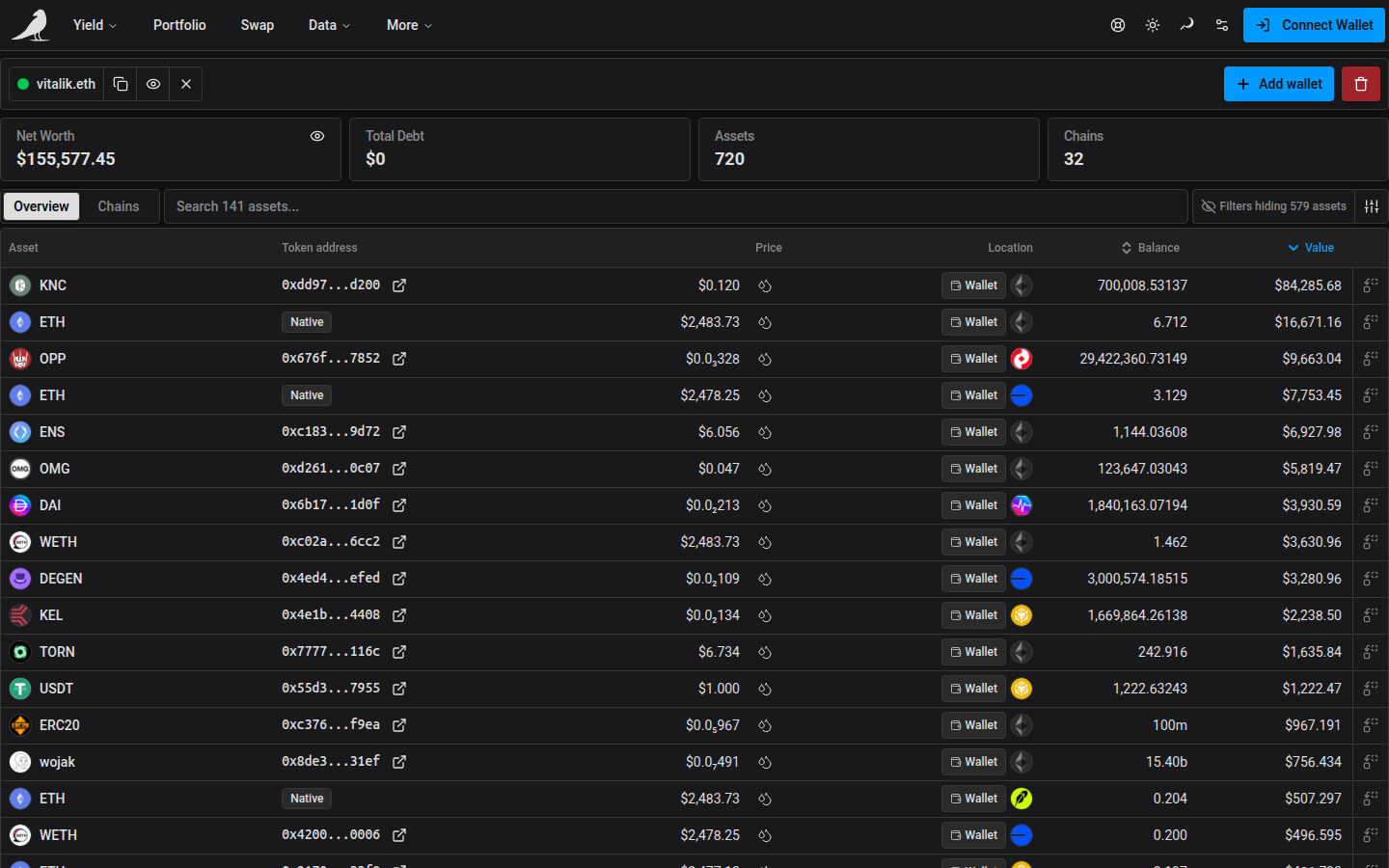
Add a wallet
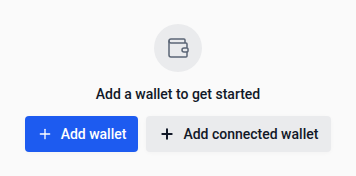
Click Add wallet and enter an address or ENS name. If you’ve connected a wallet in the header, an Add connected wallet button adds it with one click.
The empty portfolio places these buttons side by side, wrapping them when the screen is too narrow.
You can also open a read-only portfolio directly by browsing to vfat.io/<address-or-ens> (for example vfat.io/vitalik.eth).
Search by the displayed token symbol, hide small balances, and filter by chain or balance type. Symbol matches are partial and ignore case. Open Search help beside the field for examples.
Large portfolios support continuous scrolling and direct jumps through the full asset list. Search and sorting cover every asset, and scrolling does not affect the summary totals. Hiding balances and refreshing metadata for the same assets preserve keyboard focus.
By default, Net Worth, Total Debt, Assets and Chains include every asset in the enabled wallets. Use the Apply filters to KPIs funnel beside the eye icon on Net Worth to make all four totals follow your asset filters, including search and hiding small balances. Turn it off to show the full totals again. This choice is saved in your browser separately from the same setting on Deposits. The eye icon still hides personal balance amounts in either mode.
After a position transaction confirms, Portfolio reloads but can still show the position from before it until indexing catches up. Net Worth keeps its amount and adds a line such as 1 position updating, and the affected Sickle position rows show the amber Updating badge, as on Deposits. Harvests do not add to this line because they move rewards that Net Worth does not count.
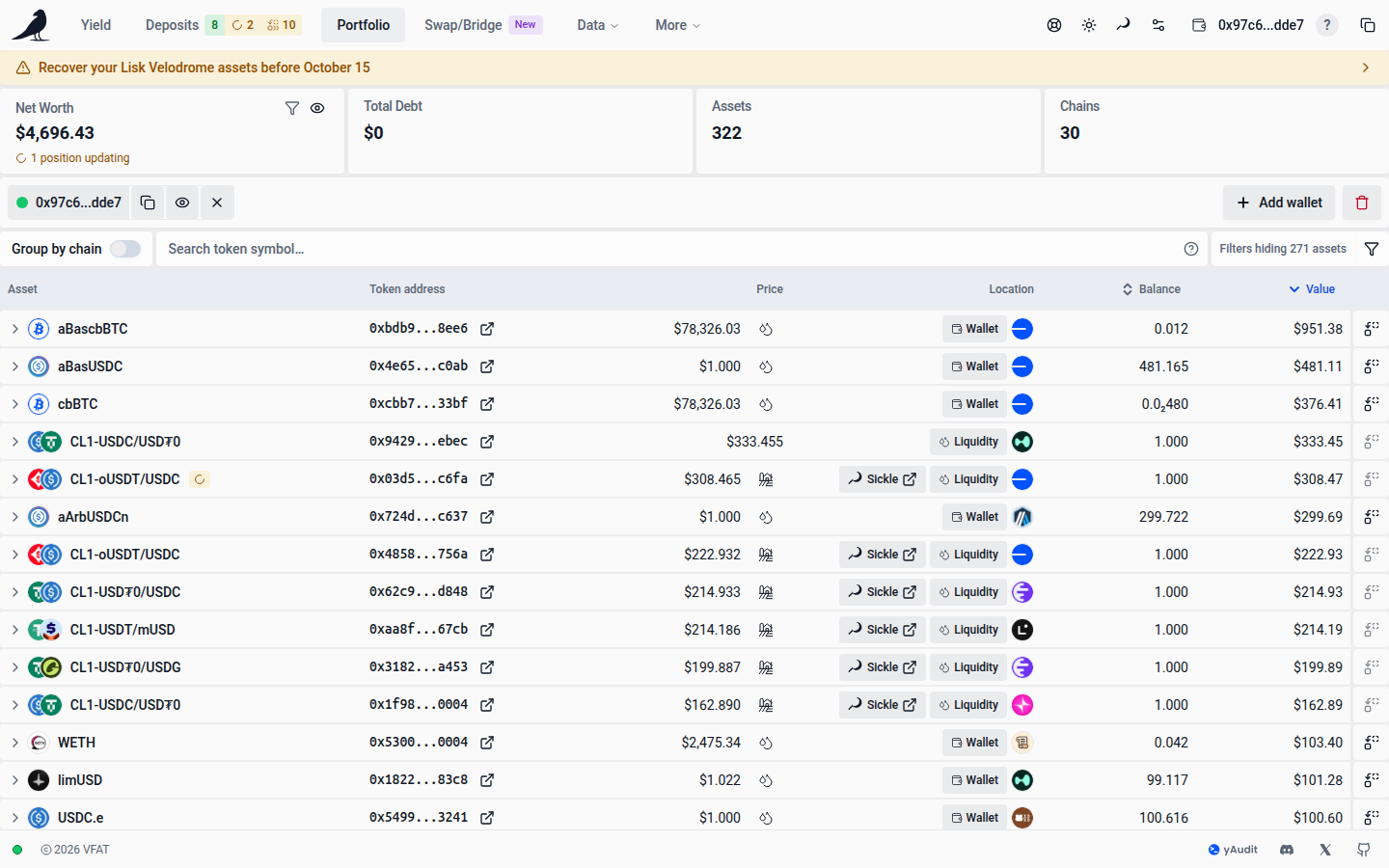
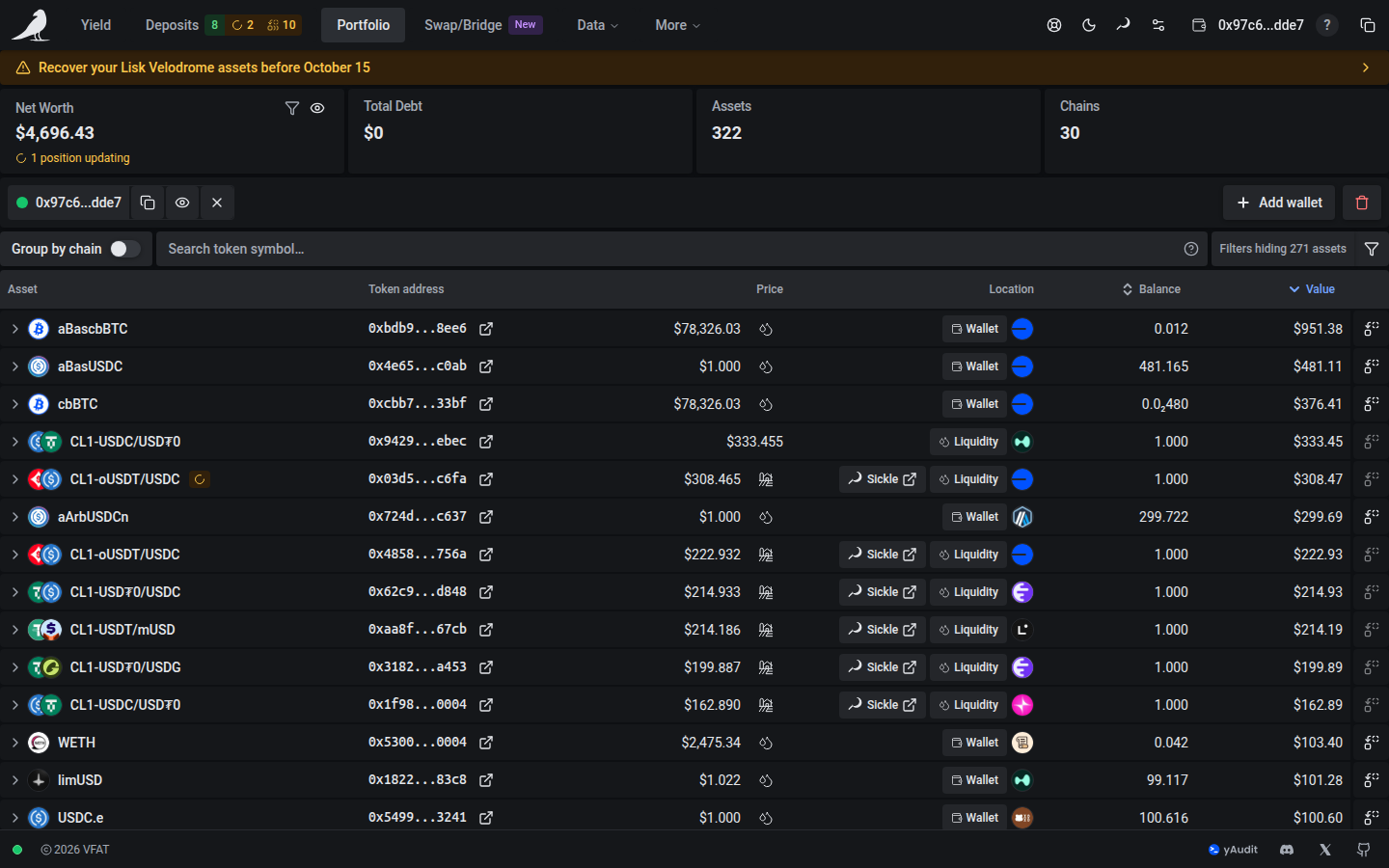
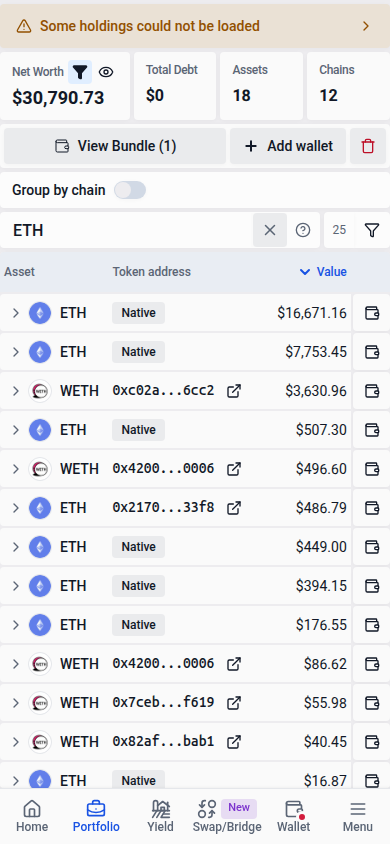
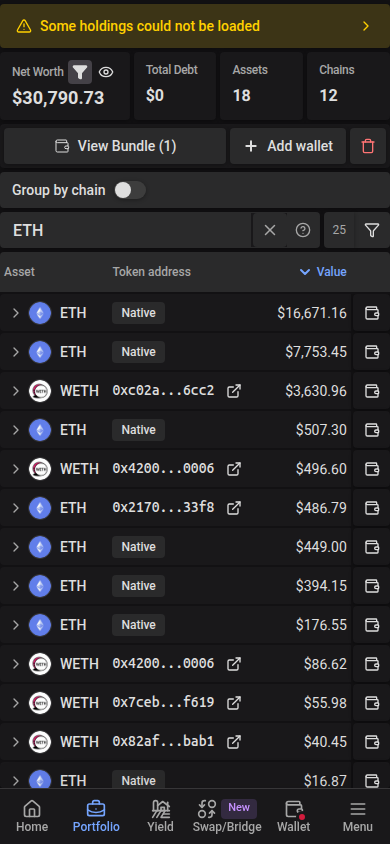
When a transaction confirms, Portfolio reloads the sending wallet’s balances if it is in the bundle, even if you switched wallets or disconnected while it was pending. The current balances stay on screen until the reload finishes, and stay as they are if it fails. Position changes such as deposits, withdrawals and harvests can take longer to appear while indexing catches up; Portfolio reloads the wallet again when the position update arrives.
Tracking multiple wallets
Add wallet builds a bundle rather than replacing what’s there. Paste multiple addresses/ENS names at once, separated by commas, semicolons, spaces or tabs. The portfolio view then aggregates balances across the whole bundle. When viewing multiple wallets, expand an asset row to see the breakdown of which wallet holds how much. Click the row, or focus it with Tab and press Enter or Space; repeat to close the details.
Holder amounts and actions use shaded rows with compact gaps, matching the other expanded details.
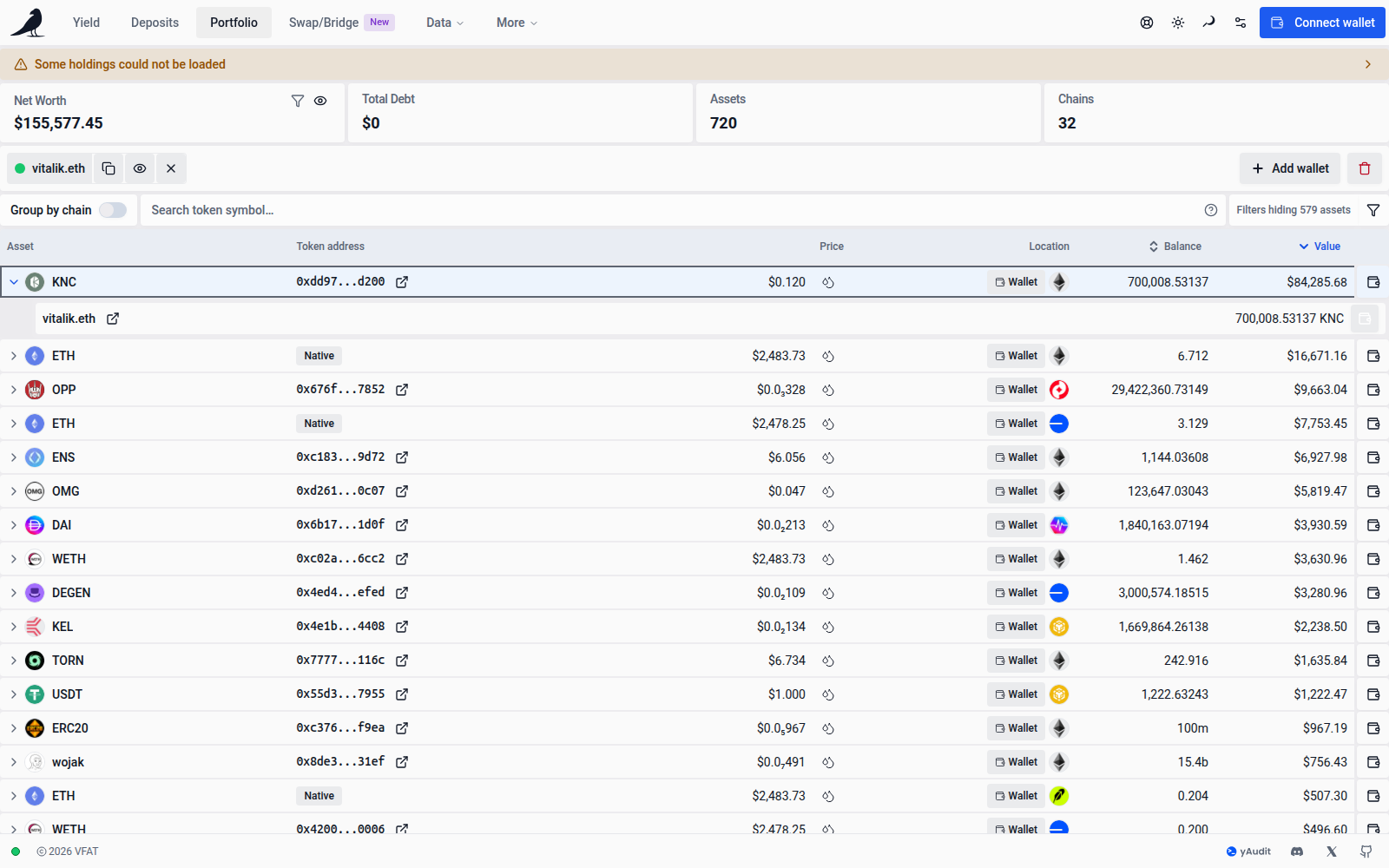
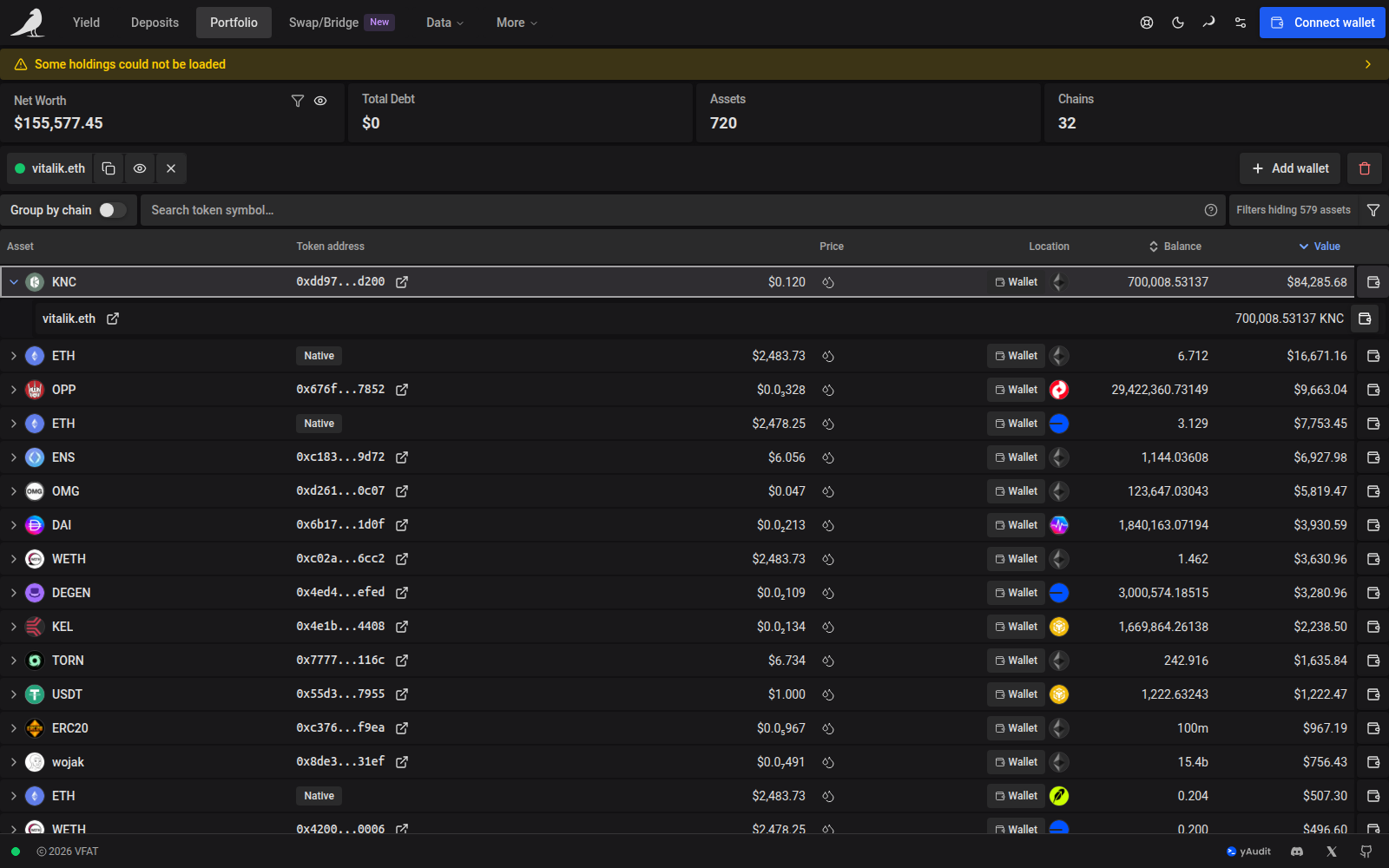
Copy the page URL to share the same wallets. Each wallet has its own account parameter, such as /portfolio?account=alice.eth&account=bob.eth. Hyphenated ENS names stay intact, and older portfolio links still work.
Grouping by chain
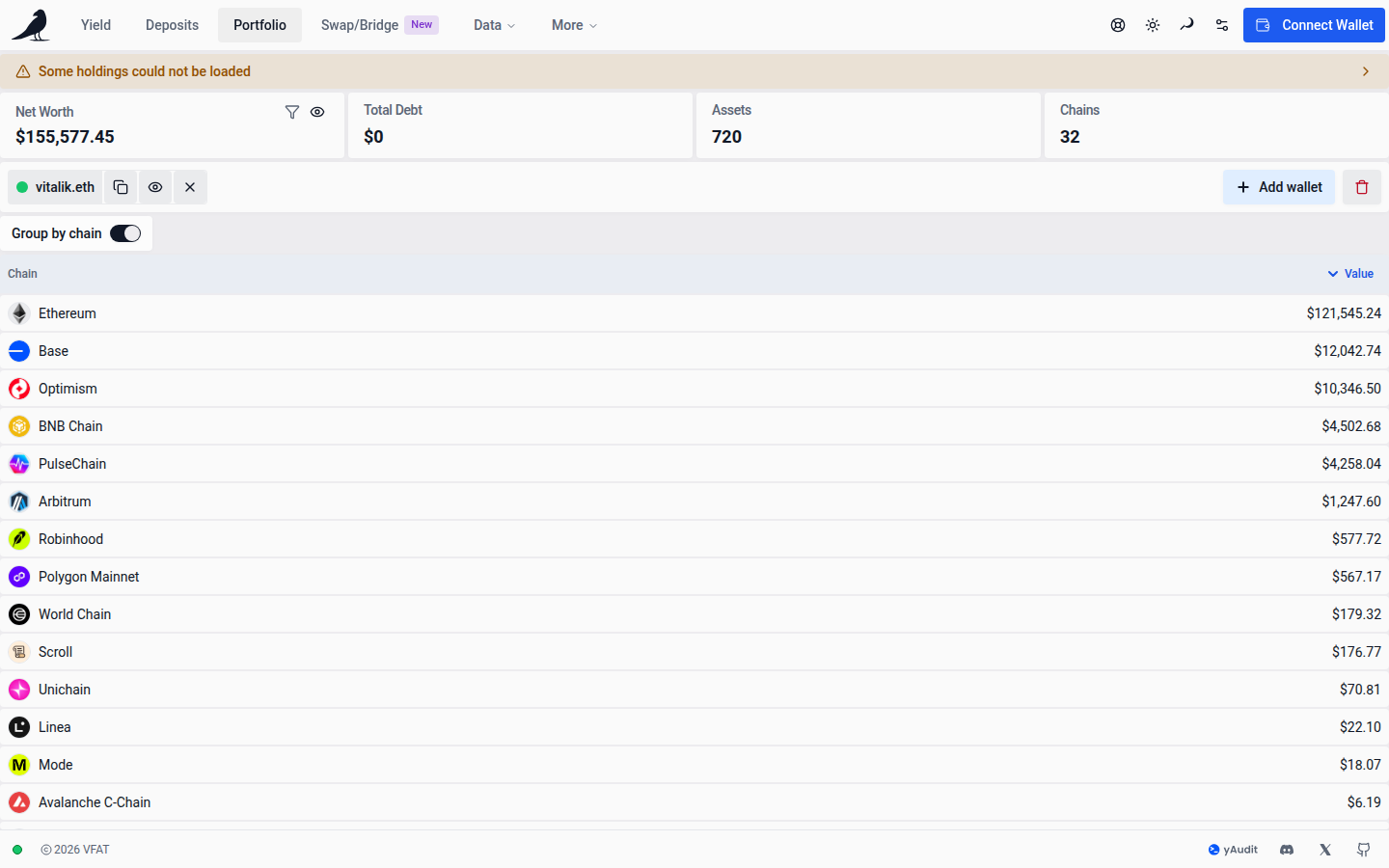
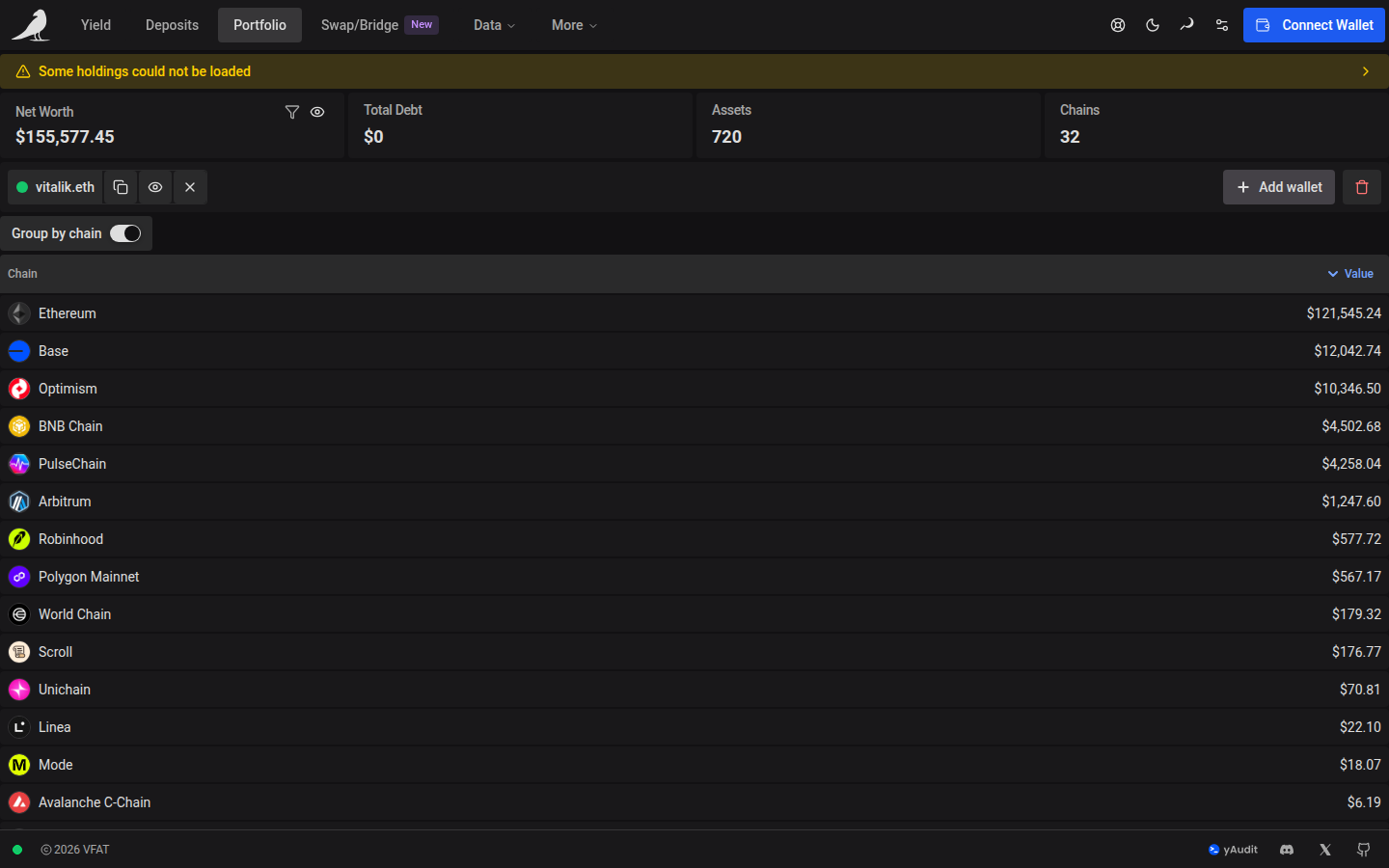
Turn on Group by chain to see exposure per network, or turn it off for a flat table of assets. Its label and toggle share a shaded card.
Token liquidity
Clicking the link next to a token’s price opens that token’s liquidity page, showing every pool it trades in. See the Mainnet USDC liquidity page for an example, or read Tokens for more.